DVR Server Manual
name to where you want directly in screen, then press button to
save it or press
button to resume time and channel name to default
position.
6. IP Camera setup
For this function, it is only available when you Right-single-Click image of
IP camera. It will describe in
IP Camera Setup.
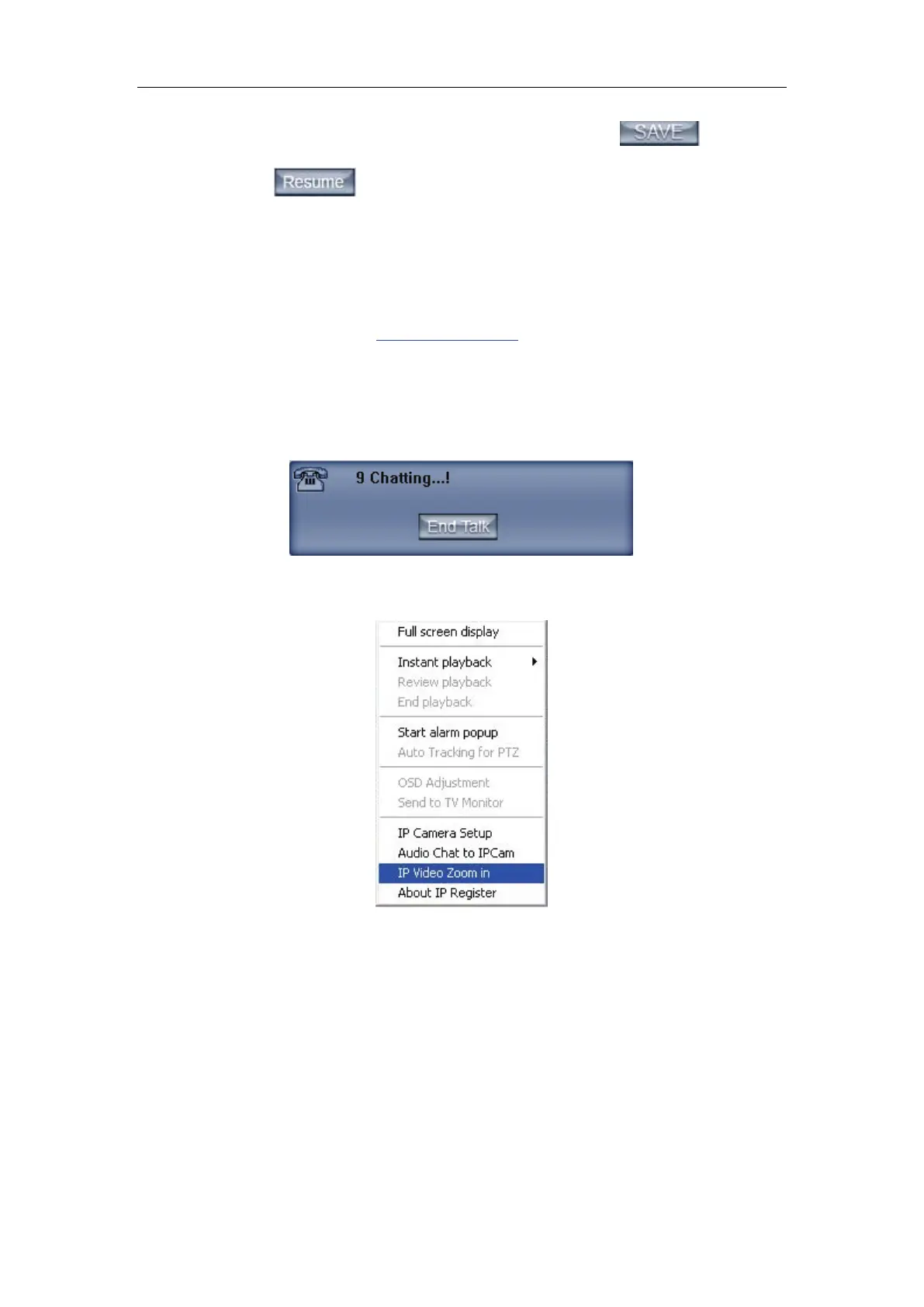
7. Audio chat to IP Cam
Press this tool bar, you can select the “Audio Chat to IP Cam “function to
chat with the IP Cam as bellow:
8. IP Video Zoom in
If you press this tool bar, you select the image zoom out function. Single
click the left mouse in the image and draw an area, and then it will zoom-out as
bellow:



 To Next Page