DVR Server Manual
【Alarm Write log】Select write alarm log or not.
【Alarm Action After It Times-Out】Select system alarm linkage mode
when an alarm stops. “Stop Immediately” means the system stop alarm
immediately after the alarm driver stops an alarm. “Do Not Stop” means the
system don’t stop alarm after the alarm driver stops an alarm. “Wait” means
the system will stop alarm at your setting time after the alarm driver stops an
alarm.
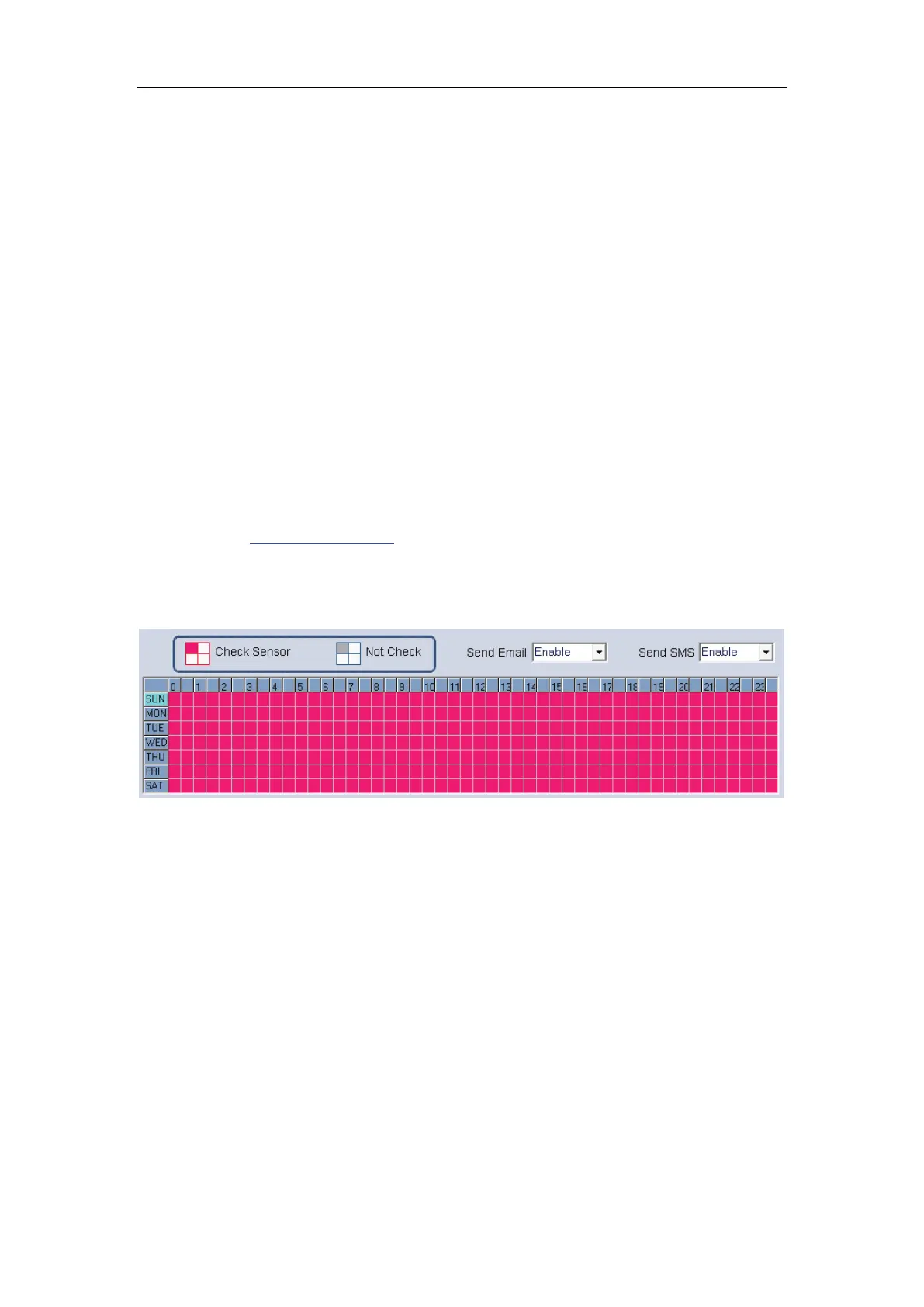
【Send email】Set the send email alarm function disable or enable when
the sensor test abnormally.
【Send sms】Set the send sms alarm function disable or enable when the
sensor test abnormally.
【Sensor input】Add sensor to selected group.
【Start recording cameras】Set cameras that to be related to this sensor
group. They will start recording and connect remote network client
automatically when there is an alarm. The cameras just include the cameras of
local board card; IP Cameras are not included. For IP Camera, you should set
it remotely in
IP Camera setup.
【Trigger Output Relays】Add alarm devices (alarm out port) to this
group such as siren, light. All connecting devices will send alarm message
when there is an alarm.
1. Check Alarm (Red): DVR System responds with sensor during this
time. (00:30 to 12:00 from Sun. to Sat.);
2. Not Check (gray): DVR System doesn’t respond with sensor in this
time.
Note:
If you set a camera in several groups, only the last setup is available.



 To Next Page