MTG200 Trunk Gateway User Manual | Dinstar
122
4.17.13 Firmware Upload
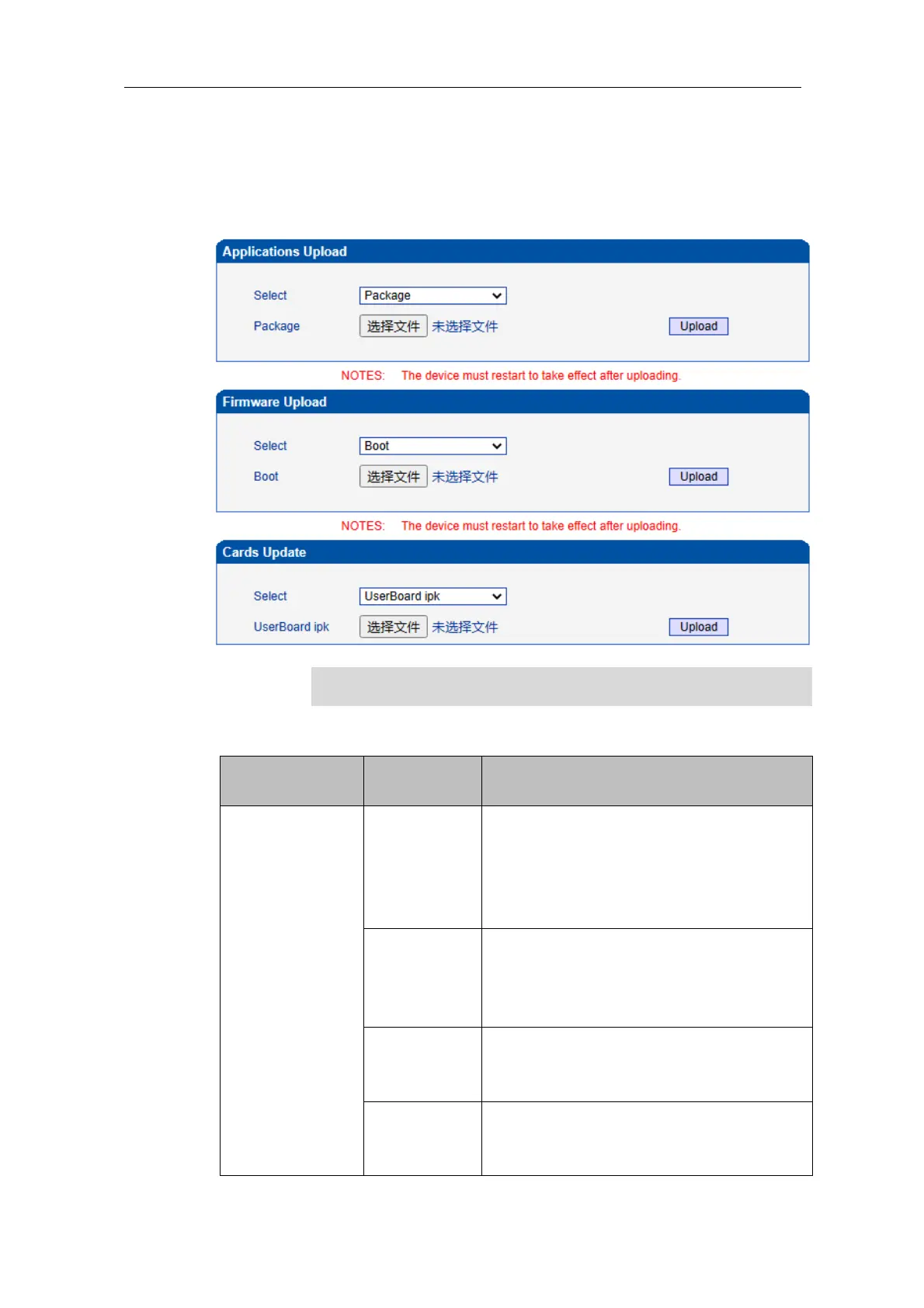
On the Applications Upload interface, you can upload files to upgrade the software, the
Web, and the Mod file of MTG200. If you select ‘Package’, it means the upgrading files
of the software and Web are packaged and then uploaded.
Do not upgrade the underlying files yourself.
Select the package to be loaded
(mtgpackage.ldf), and click Upload. The
package contains app and web. There is no
need to reload the app or web program. After
the loading is successful, restart the device.
Select the app program to be loaded
(mtgapp.ldf ), and click Upload. After the
upload is successful, the supporting web
program will be loaded.
Select the mtgweb.ldf to be loaded, and click
Upload. After the app and web are loaded
successfully, restart the device.
Select recog.mod to be loaded, click Upload,
and restart the device after uploading
successfully.















 To Next Page