For SIP trunks with redundant grouping enabled, the trunk
corresponding to 'index 0' must enable
4.11 IP Group Config
This menu manages some service control parameters in IP calls, including IP rules, IP groups and
IP group management. Users can manage the service settings for IP calls through IP rules and IP
groups, such as early media stream support, ringback tone source settings, call Concurrent settings
in IP groups, etc. Users can use IP rules to achieve compatibility support in some call services.
4.11.1 IP Profile
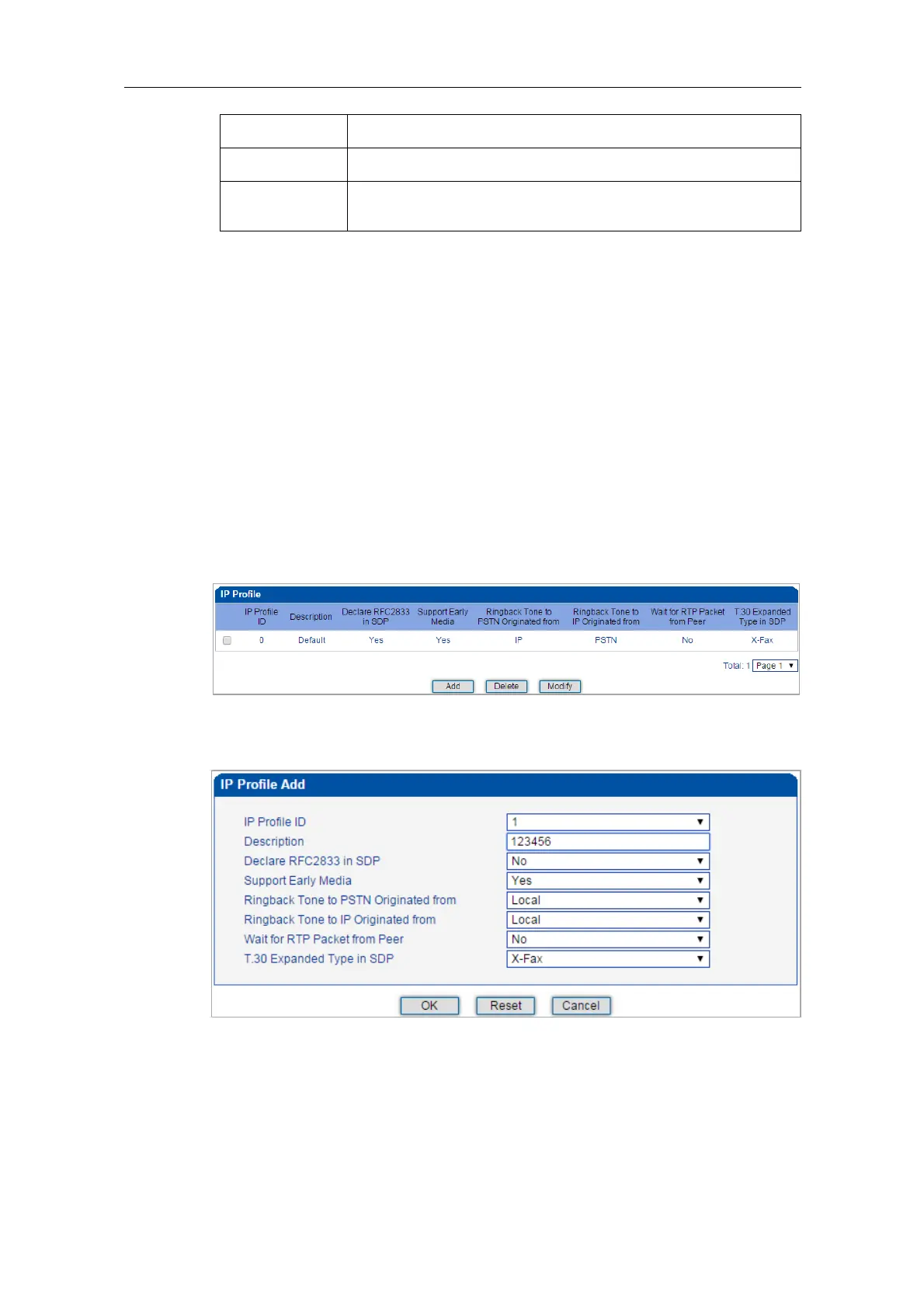
On the IP Profile interface, you can configure the parameters about IP calls, such as whether
to support early media, where ringback tone to PSTN/IP is originated from and whether to
wait for RTP packet from peer device.
Click Add, and the following interface will be displayed.















 To Next Page