MTG200 Trunk Gateway User Manual | Dinstar
2
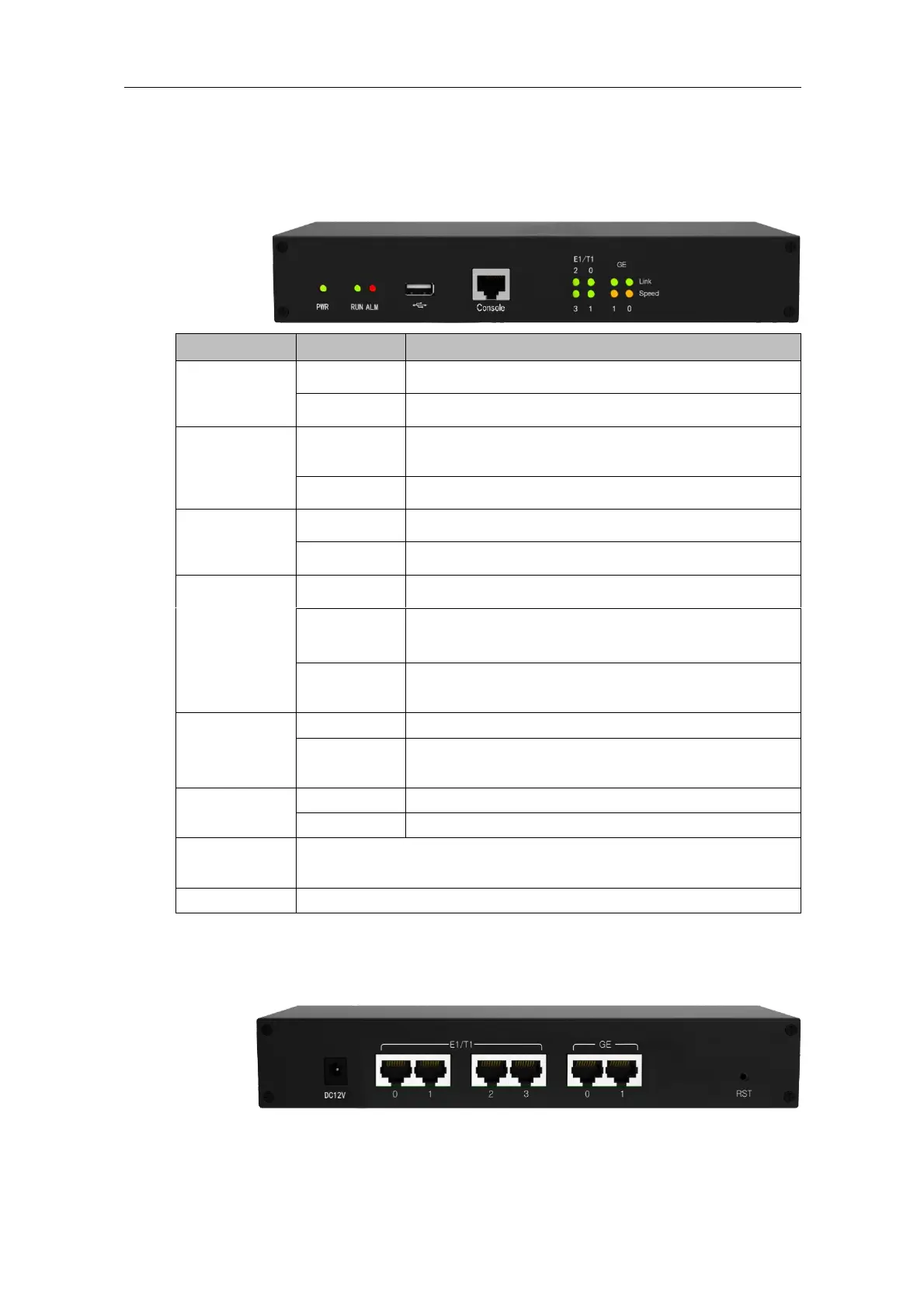
1.3 Product Appearance
1.3.1 Front View of MTG200
Power supply is working as normal.
There is no power supply or power supply is abnormal.
The DTU board has been inserted and identified by the
system.
The system does not identify the DTU board.
The gateway malfunctions.
The gateway functions well.
The corresponding E1/T1 port is not in use.
The corresponding E1/T1 port is connected normally, and
can be used to receive or send data.
The corresponding E1/T1 port is connected falsely and
The gateway is normally connected to network.
The network is not connected to network or the connection
is improper. 0 refers to GE0 while 1 refers to GE1.
Network bandwidth is not up to 100/1000Mbps.
Network bandwidth is up to 100/1000Mbps.
RJ45, RS232, 115200bps, it is used to carry out maintenance-related
configurations.
Reset button (it is used to reset the gateway)
1.3.2 Rear View of MTG200















 To Next Page