MTG200 Trunk Gateway User Manual | Dinstar
38
4.7 SS7 Config
This menu manages the necessary parameters related to SS7. If users are using SS7, they need to
configure the parameters in this menu. Specific submenu parameter settings include SS7
Parameters, SS7 Trunk, SS7 MTP Link, SS7 CIC, SS7 Link Set, and SS7 CIC Maintain Before
configuring the necessary SS7 parameters, users need to know the related SS7 trunk, SPC, OPC,
DPC and other core parameters. A mismatch with the parameters of the remote device can lead
to problems such as link signaling failure and other call problems.
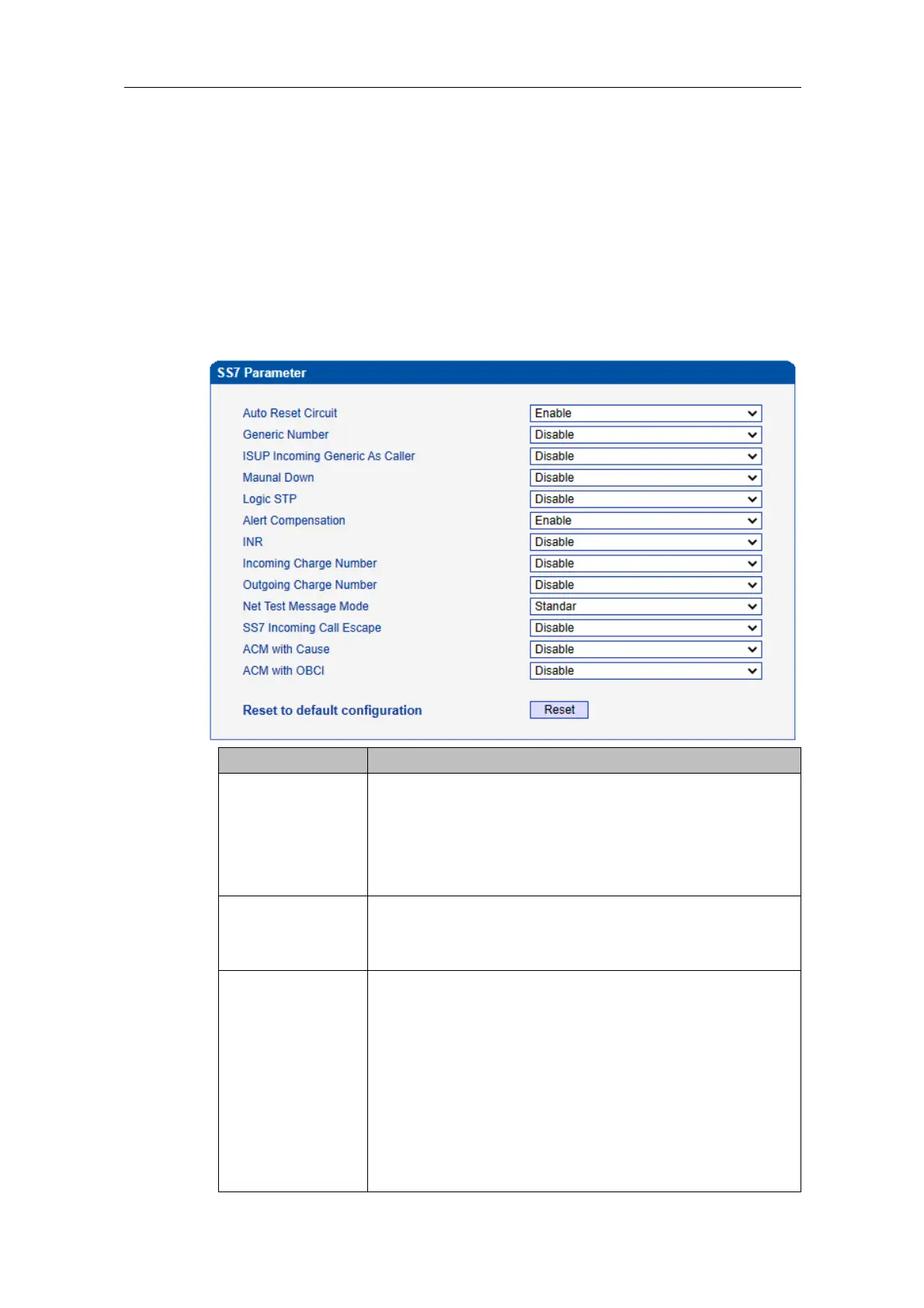
4.7.1 SS7 Parameter
The circuit reset/circuit group reset message is used to reset the
circuit of both parties to the initial idle state; this message is
related to the circuit, so you can use this message to check
whether the other party is configured with the corresponding
CIC.
ISUP outgoing calls, when there is a forwarding/original called
number, the calling number is coded in the generic number, and
the original called number is coded in the calling number field.
ISUP Incoming
Generic As Caller
This feature uses the common number as the calling number
when enabled.
Calling Number in ISUP: if PAI is a pure number, then replace
it with PAI, otherwise use FROM.
Generic Number in ISUP: when FROM is a pure number and
FROM and PAI are not the same, then use FROM as the
generic number.
Present_ind for Calling Number in ISUP: when the PAI has a
value and carries the Privacy header, then set 1 (restricted) to















 To Next Page