Entrematic Canada Inc.
Toll Free: 1-877-348-6837
info.ditec.ca@entrematic.com
www.ditecentrematic.ca
Entrematic USA Inc.
Toll Free: 1-866-901-4284
info.ditec.us@entrematic.com
www.ditecentrematic.us
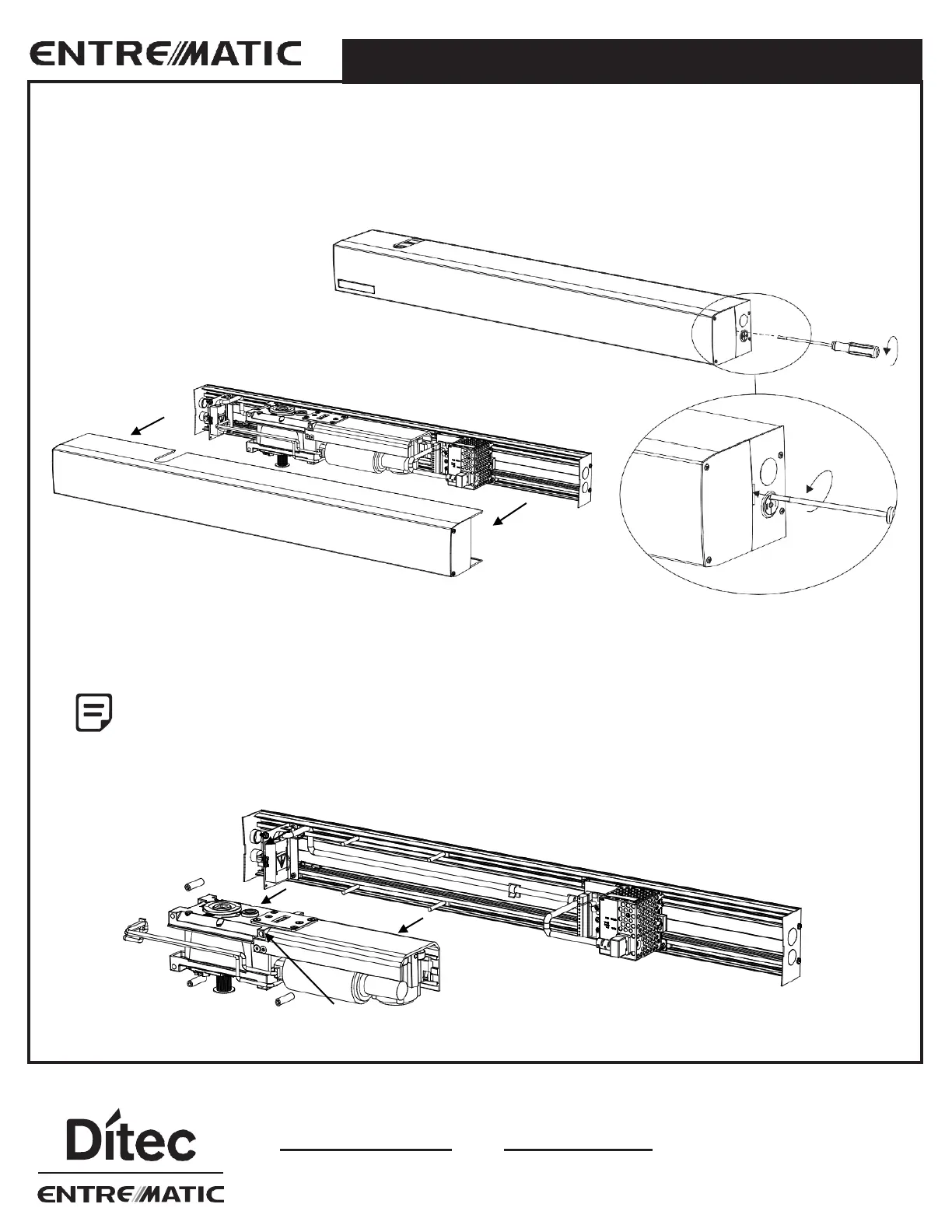
2.1 Pre-Mounting Header Box Instructions
Disassemble parts for installation
Remove the cover from the assembly by gently prying with a screwdriver. Once the snaps are clear, pull the cover outwards
with minimal effort. Carefully set the cover in a location where it will not be damaged.
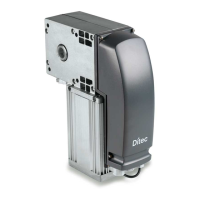
Mark spindle center on the bottom edge of header and remove the motor/gearbox from the back plate by loosening 4
motor/gearbox nuts.
The spindle center must be marked prior to removing the motor/gearbox to locate back plate to door
frame and reinstallation.
2.0 OPERATOR INSTALLATION




 To Next Page