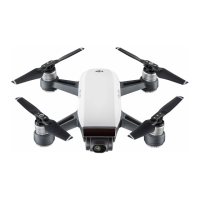
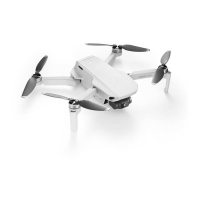
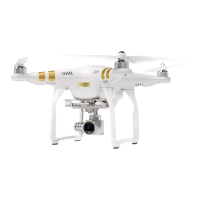
DJI Neo will keep the camera facing the subject, y backward to the preset distance,
and then begin circling the subject once, while recording automatically. It will hover at
the takeo point after recording.
You can set the distance in the DJI Fly app.
4. Rocket
DJI Neo will keep the camera facing the original position of the subject, record a video
while ascending, and then record another a video while descending. It will hover at
the takeo point after recording.
You can set the max height and enable or disable the rotation of DJI Neo when
ascending and descending in the DJI Fly app.
5.
Spotlight
DJI Neo will hover after takeo and record a video with the camera facing the subject.
You can set the camera mode to Photo or Video in the DJI Fly app. When set to Photo,
the subject can trigger DJI Neo to take a photo automatically by maintaining a xed
pose for 3 seconds.
6. Custom
DirectionTrack
DJI Neo will y backward for a distance after takeo and then determine the
movement direction of the subject to conrm the tracking direction. Once conrmed,
DJI Neo will follow the subject from the tracking direction relative to the direction of
the subject movements while recording.
You can set the follow distance and height in the DJI Fly app.
DJI Neo may switch to following the subject from behind when the movement or
direction of the subject changes too fast related to DJI Neo. Once DJI Neo conrms the
direction of the subject again, it will switch back to the original tracking direction.
To exit DirectionTrack, face DJI Neo and stay still. DJI Neo will y back to the subject.
• DJI Neo does not support obstacle sensing. To ensure ight safety, it is
recommended to y within visual line of sight.
• Make sure the ight environment is open and unobstructed with sucient
lighting.
• When the subject is not in the camera eld of view, such as when a sharp
turn is made or the subject is obstructed by an obstacle, DJI Neo will hover
due to losing the subject. The subject should return to the camera eld of
view for successful subject conrmation.
Helix
DJI Neo User Manual
© 2024 DJI All Rights Reserved. 25



 To Next Page