Getting Started
3-2 72A-2337-01 Rev. B 11/05
• Personal computer with a Pentium class processor.
• Windows 95/98/2000/XP/NT 4.0 SP6 operating systems.
• ProTesT 2.02 or later installed on the hard drive of the computer (for installation
instructions, see the ProTesT User Guide.)
• RS232 serial cable or Ethernet cable.
• At least the minimum amount of RAM (Random Access Memory) required by your
operating system.
5. Connect one end of the RS232 cable to the serial port on the computer, or connect the
Ethernet cable to the network card on the computer.
6. Connect the other end of the RS232 cable to the serial port on the F6150 instrument front
panel. Alternately, connect the Ethernet cable to the network connection on the instrument
front panel. Both connections are on the right-hand side of the front panel.
7. Turn the computer on.
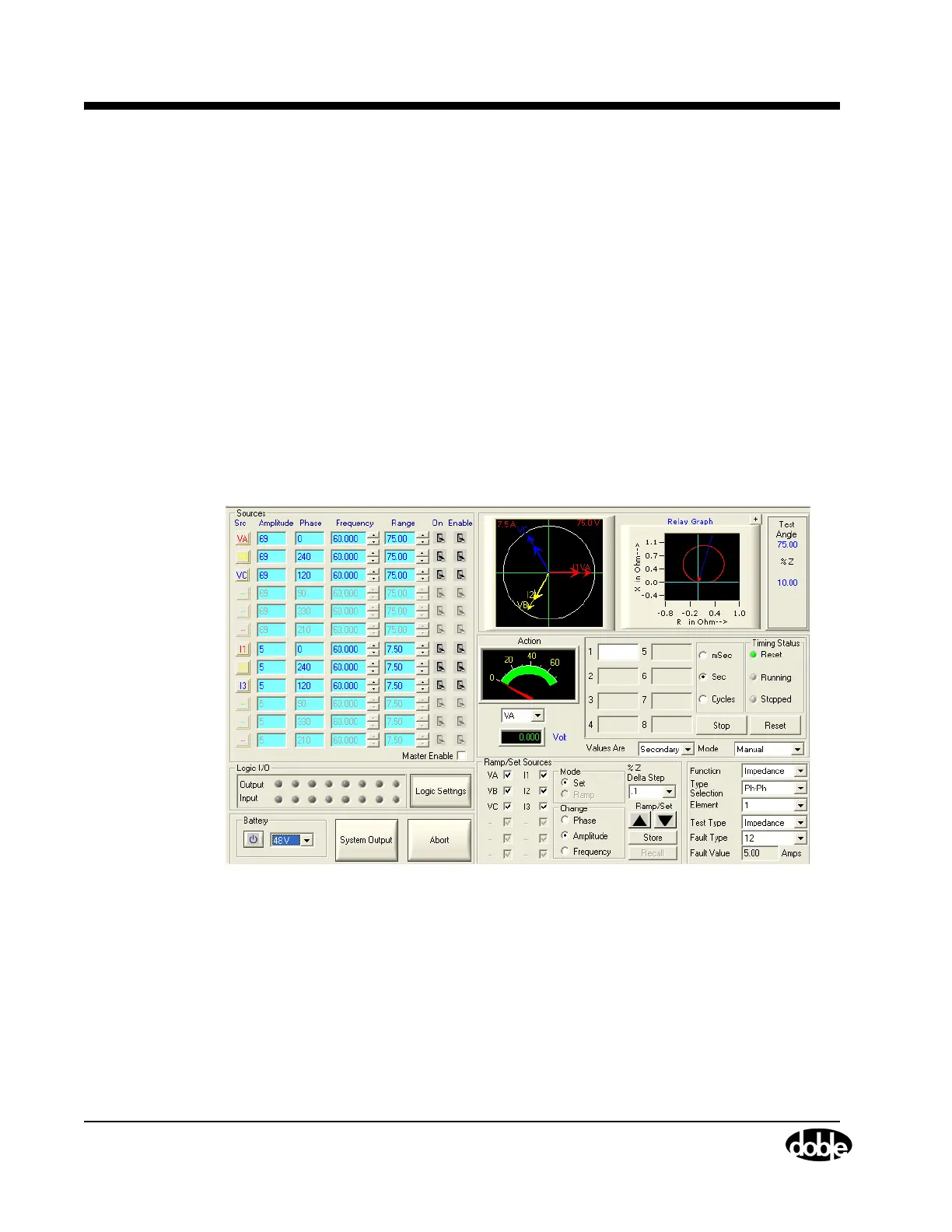
8. Select Start > Programs > ProTesT > Tools > F6000 Control Panel to access the F6000
Control Panel Version 2 (
Figure 3.2).
Figure 3.2 F6000 Control Panel Version 2



 To Next Page