F6300 Power System Simulator User Guide
72A-2337-01 Rev. B 11/05 C-3
User Defined Configurations
To configure the sources on the instrument front panel independently of the pre-set options:
• Select User Defined from the Configurations field (Figure C.1).
.
Figure C.1 Pre-set Configurations
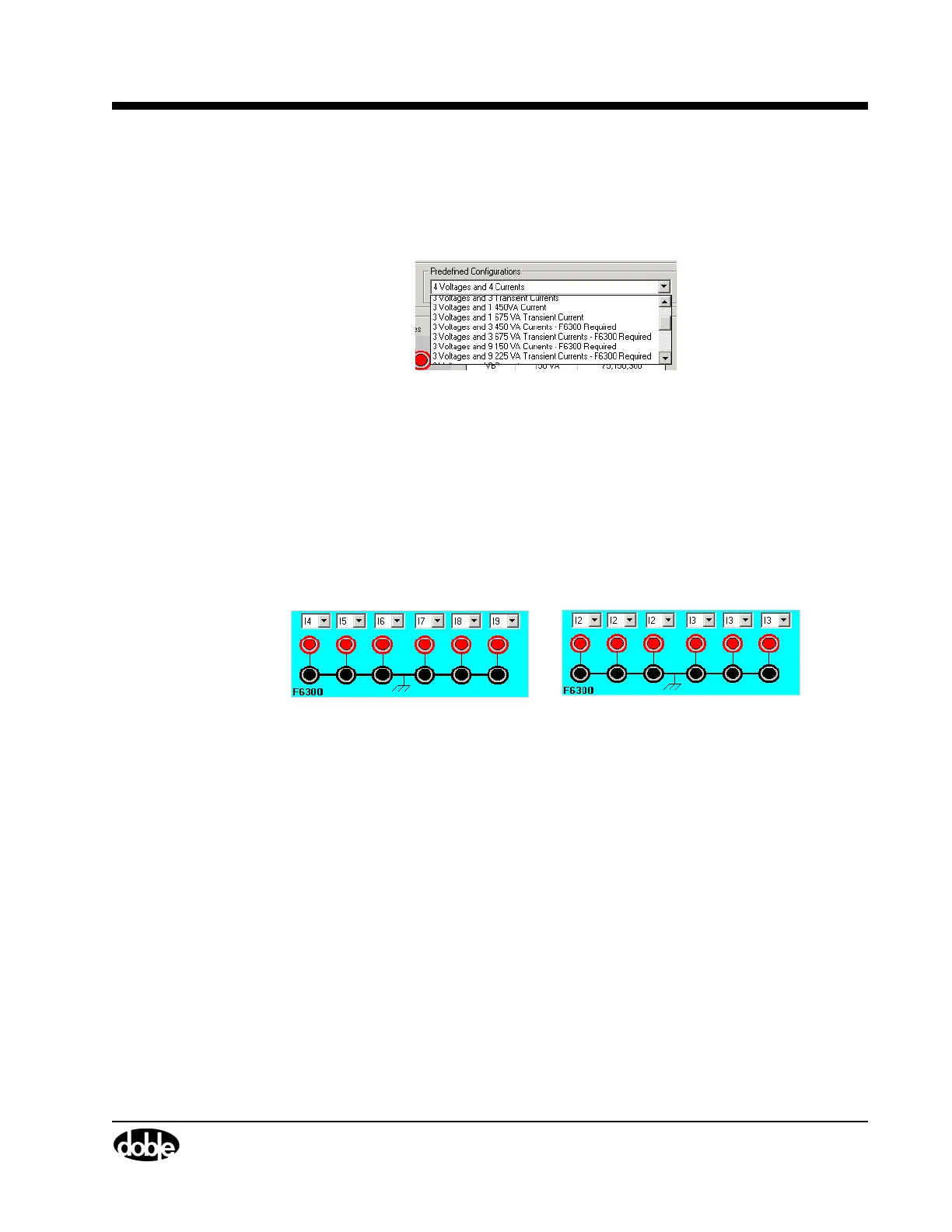
The list of user-defined configurations contains two options (Figure C.2):
• 6 Currents 150 VA
• 2 Currents 450 VA
Top Row of Sources (Red):
Bottom Row (Black):
150 VA
Return Lines
6 Currents 2 Currents
Figure C.2 User Defined Configuration Topology



 To Next Page