Remove the Instrument Cover
5-2 72A-2337-01 Rev. B 11/05
Remove the Instrument Cover
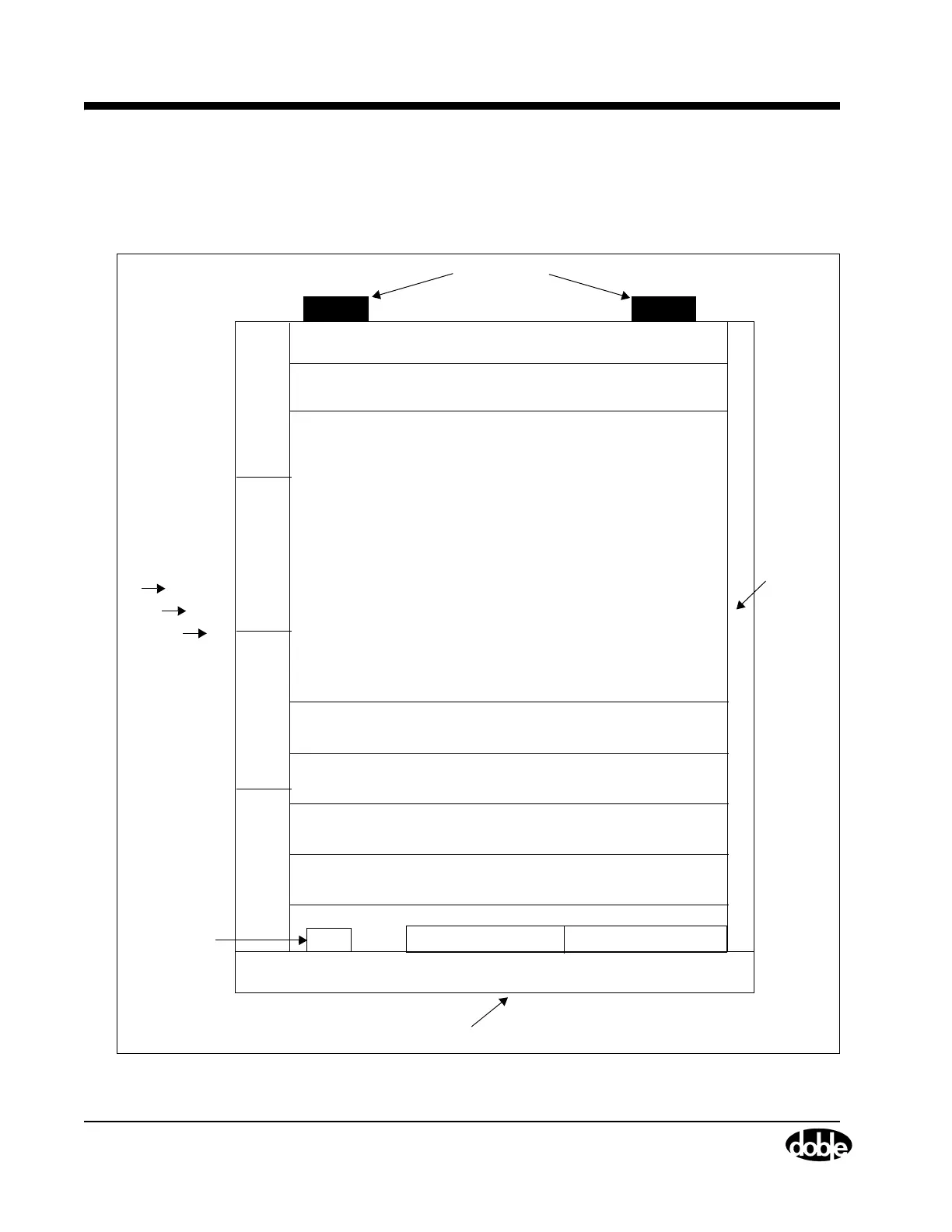
Remove the cover to access the replaceable components in the Instrument. Figure 5.1 illustrates
the location of these components.
Fan
Fan
Fan
Fan
Power Supply (Slot 11)
6 Current Amplifiers (Slots 5 through 10)
Analog Multiplexer Board (Slot 4)
CPU Board (Slot 3)
Empty (Slot 1)
Chassis Frame
Front Panel
Circuit Breaker
Output Terminal Board Communications Board
Retainer
Rail
Right Side
Left Side
Cooling Air
Intake
Front Panel
Rubber Feet
Back
#1
#2
#3
#4
CPU Board (Slot 3)
Empty (Slot 2)
Figure 5.1 F6300 Components



 To Next Page