F6300 Power System Simulator User Guide
72A-2337-01 Rev. B 11/05 5-3
To remove the instrument cover:
1. Turn the instrument off.
2. Remove the power cord.
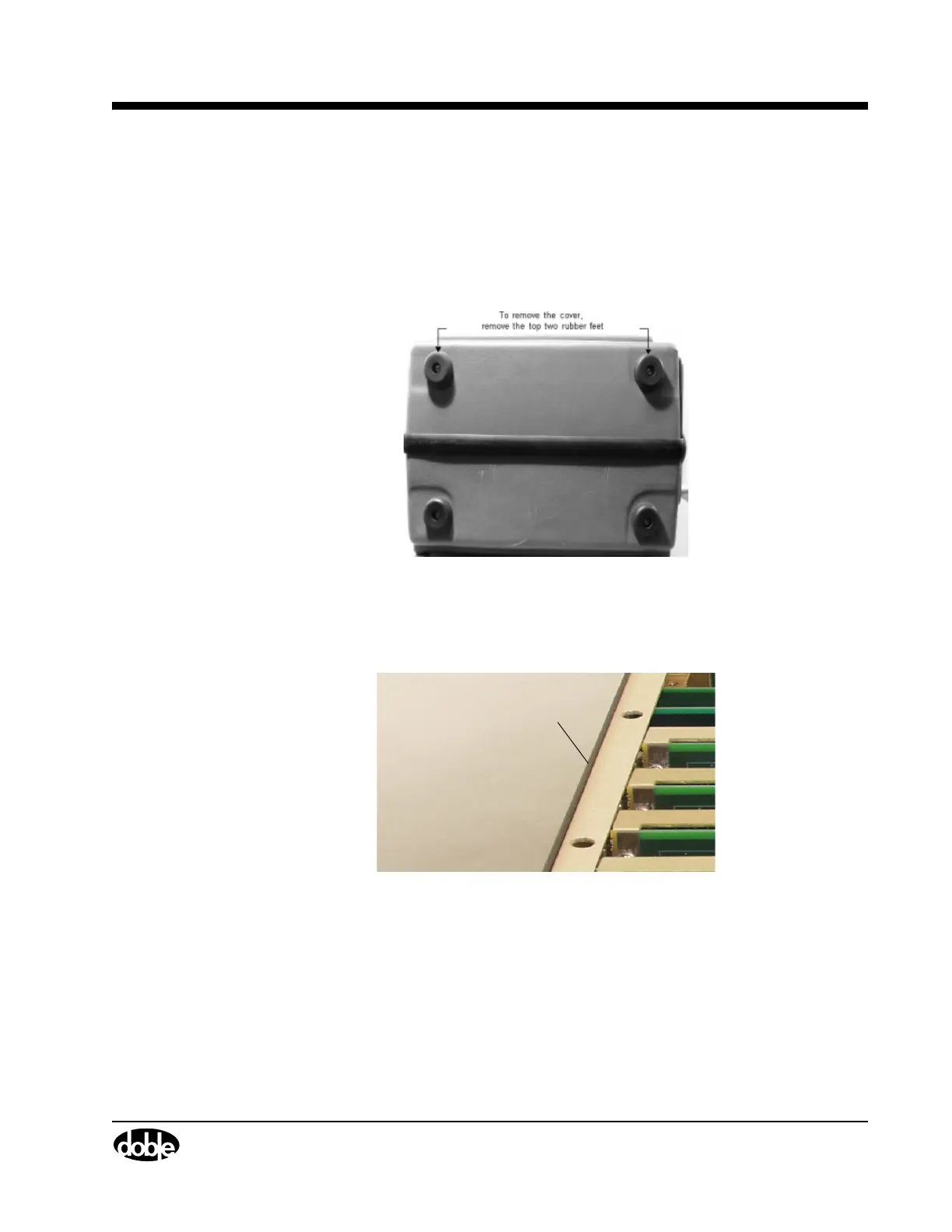
3. Use a flat head screwdriver to remove the top two rubber feet from the back of the
instrument (
Figure 5.2).
Figure 5.2 Remove Rubber Feet
4. Remove the cover to expose the circuit boards and other components inside the instrument
(
Figure 5.3).
Capture
Rail
Figure 5.3 F6300 Circuit Boards
5. Use a Phillips head screwdriver to remove the screw on the side of the capture rail.
6. Use a flat head screwdriver to remove the four screws on top of the capture rail and remove
the capture rail.



 To Next Page