F6300 Power System Simulator User Guide
72A-2337-01 Rev. B 11/05 A-3
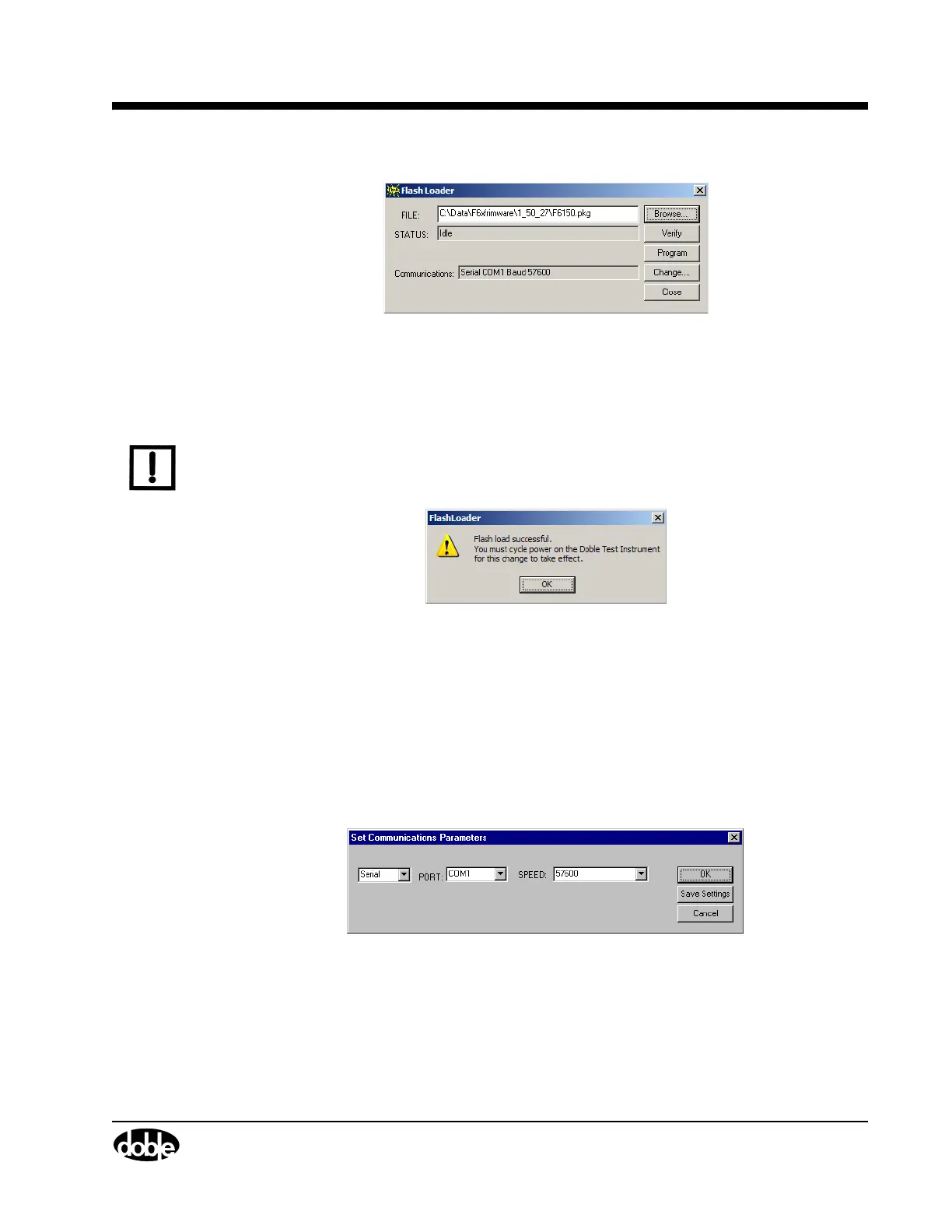
Figure A.2 Flash Loader Browsing
4. Click Program.
The Flash Loader Status field shows the status of the download.
NOTE DO NOT power cycle the or disconnect the computer until the Flash Loader download is
complete.
A Flash load successful message appear on a successful flash download (Figure A.3).
Figure A.3 Flash Load Success
5. Click OK to close the dialog windows and power cycle the instrument.
Communications Parameters
If the revised firmware does not load successfully, check the setup for communication between
the computer and the F6150/F6300 Instrument. To verify or change the communications settings:
1. Click Change in the Flash Loader window and the Set Communications Parameters window
appears (
Figure A.4).
Figure A.4 Set Communications Parameters
2. Select the correct setting from each of the three pick lists in the display:
• Connection type - Serial or EthernetPort
• Port - COM1 through COM32
• Speed - The connection speed must be 57,600 baud per second



 To Next Page