EasyManua.ls Logo

doble F6300 - Page 37

doble F6300
94 pages
Print Icon
To Next Page IconTo Next Page
To Previous Page IconTo Previous Page
Loading...
Is VFD
blank?
C
B
(P/S OK)
(BAD LED STATUS)
NO
(P/S FAIL)
YES
(LED STATUS OK)
Perform LED Checks
(see ”Checking the
Current Amplifier
Board” on page 4-10)
Perform P/S Checkout
Procedure (see
”Checking the Power
Supply” on page 4-10)
Replace appropriate
PCB per table
(see ”Removing and
Replacing Circuit
Boards” on page 5-9)
Review Table 4.4
Replace P/S PCB
(see ”Removing
and Replacing
Circuit Boards”
on page 5-9?
Replace PCB
with bad LED
status (see
”Removing and
Replacing Circuit
Boards”
Replace Analog
board (see
”Removing and
Replacing Circuit
Boards”
on page 5-9
Reseat W3
display cable
(see ”Remove
and Replace the
Instrument Front
Panel”
on page 5-4
If VFD is still blank,
replace Display
Module in Front
Panel assembly
(see ”Remove and
Replace the
Instrument Front
Panel” on page 5-4)
Call Doble Customer
Service if error is not
identified
Call Doble Customer
Service if error is not
identified
Call Doble Customer
Service if error is not
resolved
F6300 Power System Simulator User Guide
72A-2337-01 Rev. B 11/05 4-3
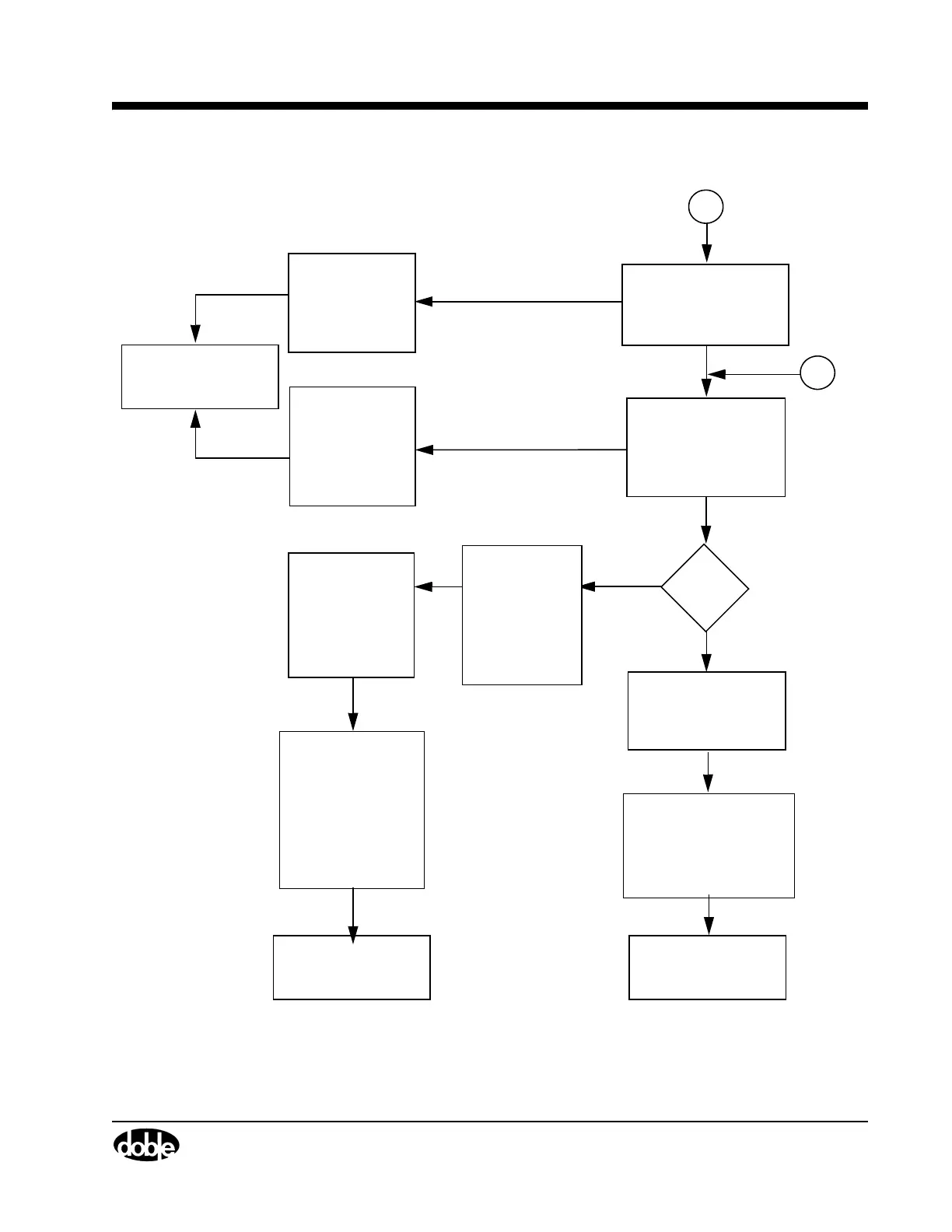
Figure 4.2 Troubleshooting Flowchart Part 2

Table of Contents

Related product manuals