95
8. ATC Alignment and Finishing Operation
⑤ Check Z-axis position
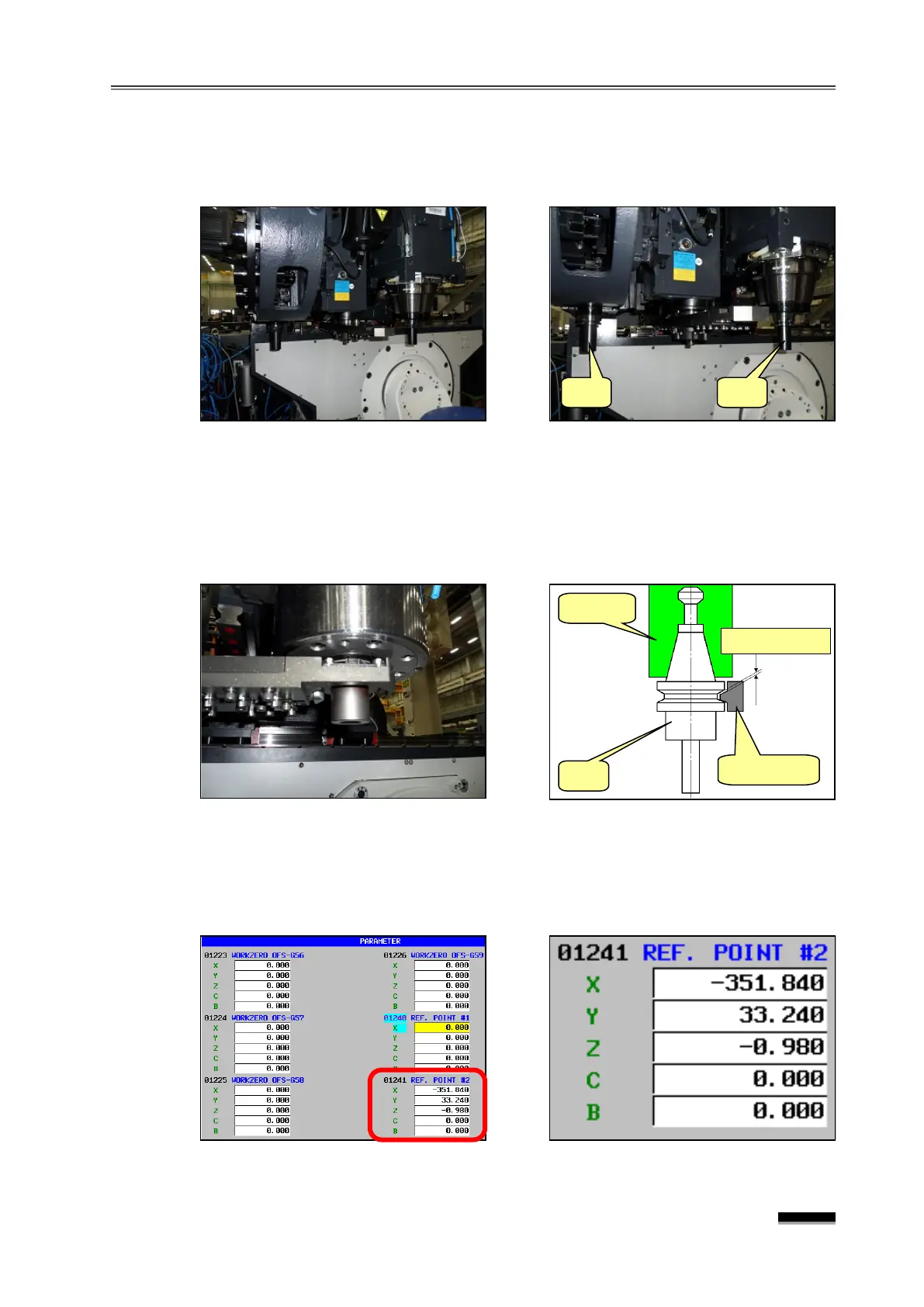
a. Remove
Jig 1
from
Jig 2
, gripper, inserted to the spindle and insert a tool in
the spindle.
b. Rotate the ATC Changer Arm by hand, but stop rotating it just before the Arm
Gripper fully grips the tool. Then, move it little by little, let the spindle-side gripper
make slight contact with the tool and check the position. Then, move the Z-axis in
the Handle Mode until the lower-side taper makes contact and the upper-side
taper creates a gap of 0.3mm~0.5mm.
⑥ Enter the Tool Change Position Parameter
▪ Write down the machine coordinates of the current X, Y and Z axes one by one at
parameter no. #1241 (Ref. Point #2: secondary origin point : Tool Change
Position).


 To Next Page