27
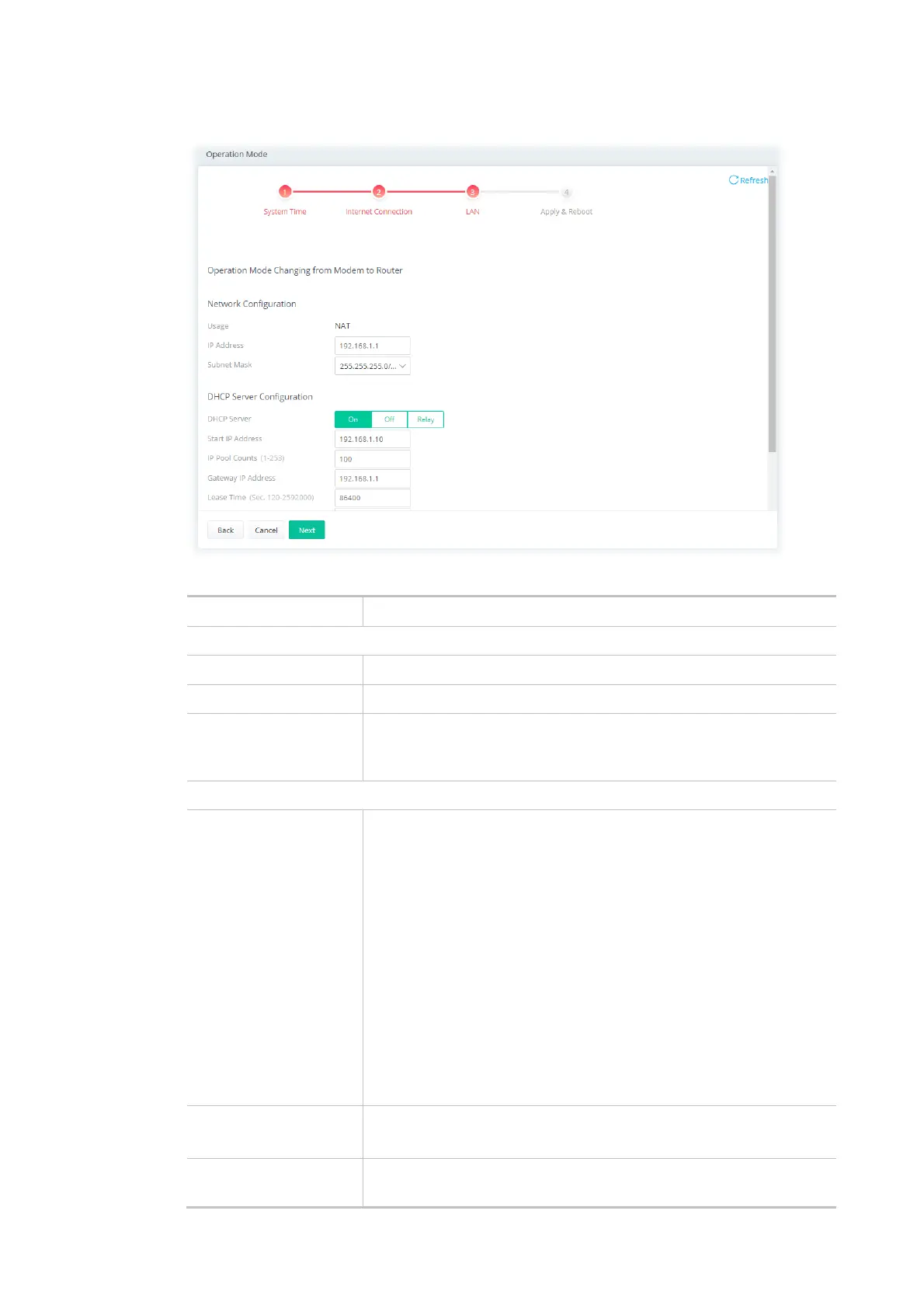
Step 3: Configure the LAN settings.
Available settings are explained as follows:
Item Description
Network Configuration
Usage The current is for NAT.
IP Address This is the IP address of the router. (Default: 192.168.1.1).
Subnet Mask The subnet mask, together with the IP Address field, indicates the
maximum number of clients allowed on the subnet. (Default:
255.255.255.0/ 24).
DHCP Server Configuration
DHCP Server DHCP stands for Dynamic Host Configuration Protocol. The router by
factory default acts a DHCP server for your network so it
automatically dispatches related IP settings to any local user
configured as a DHCP client. It is highly recommended that you leave
the router enabled as a DHCP server if you do not have a DHCP server
for your network.
If you want to use another DHCP server in the network other than the
Vigor Router’s, you can let Relay Agent help you to redirect the DHCP
request to the specified location.
On - Enables the built-in DHCP server on the router.
Off - Disables the built-in DHCP server on the router.
Relay - When selected, all DHCP requests are forwarded to a DHCP
server outside of the LAN subnet, and whose address is specified in
the DHCP Server IP Address field.
Start IP Address It is available when the DHCP server is on.
The beginning LAN IP address that is given out to LAN DHCP clients.
IP Pool Counts It is available when the DHCP server is on.
The maximum number of IP addresses to be handed out by DHCP.



 To Next Page