Guangzhou EC-PACK Packaging Equipment Co., Ltd.
EC-JET 1000Pro Continuous Inkjet Printer
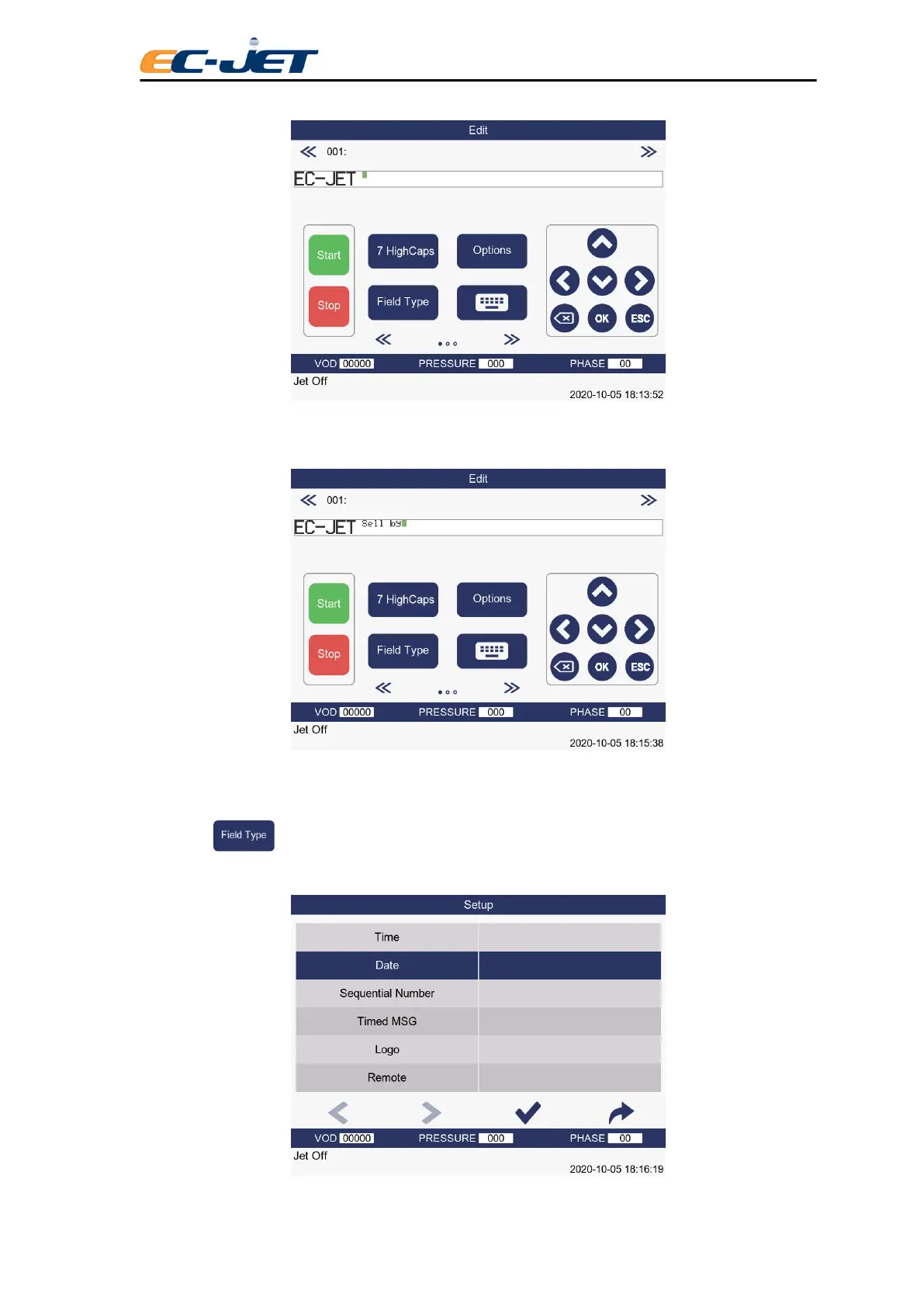
Notice the new size of the cursor. The cursor is located in a position not already occupied by a field, so
type in the words “Sell by”:
The cursor is located at the end of the text so press the space bar to create some space between the text
and the date field that are about to create.
Now press from the EDIT MESSAGE screen and this will display the SELECT FIELD TYPE
menu:



 To Next Page