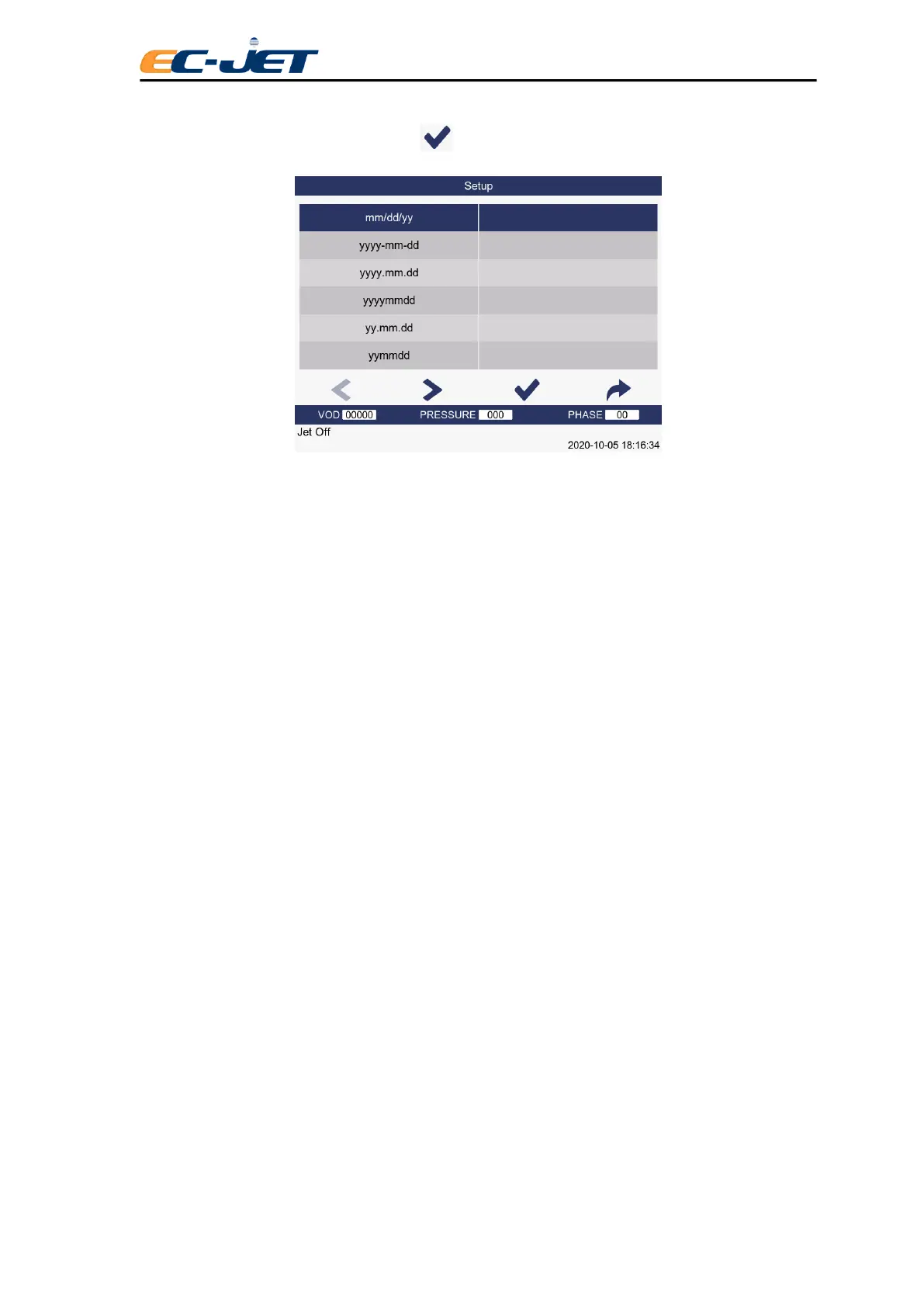
Select the Date as shown above, then press key to display the DATE FORMAT menu:
The DATE FORMAT menu gives the option to select from the following range of predefined formats:
yyyy/mm/dd e.g. 2013/03/15
yyyy-mm-dd e.g. 2013-03-15
yy yy.mm.dd e.g. 2013.03.15
yy/mm/dd e.g. 13/03/15
yy.mm.dd e.g. 13.03.15
mm/dd/yy e.g. 03/15/13
mm/dd e.g. 03/15
dd.mm.yy e.g. 15.MAR.13
dd mmm yy e.g. 15 MAR1 3
mmm dd yy e.g. MAR 15 13
mmm dd yyyy e.g. MAR 15 2013
d e.g. Day of week (0 through 6 – Sun to Sat)
d(1-7) e.g. Day of week (1 through 7 – Mon to Sun)
dd e.g. Day of month (1 through 31)
ww e.g. Week number (1 through 52)
mm e.g. Month number (1 through 12)
mmm e.g. Month (e.g. JAN, FEB, etc.)
y e.g. Last digit of year (0 through 9)
yy e.g. Last two digit of year (00 through 99)
yyyy e.g. Full year (2000)
The most commonly used date formats are available completed, as shown above (e.g. mm/dd/yy), and
the printer will read (for example) “15 Mar 13” , when the message is actually printed on that day. The
individual date segments shown separately (e.g. dd) are provided to allow you to create non-standard



 To Next Page