Guangzhou EC-PACK Packaging Equipment Co., Ltd.
EC-JET 1000Pro Continuous Inkjet Printer
formats of your own.
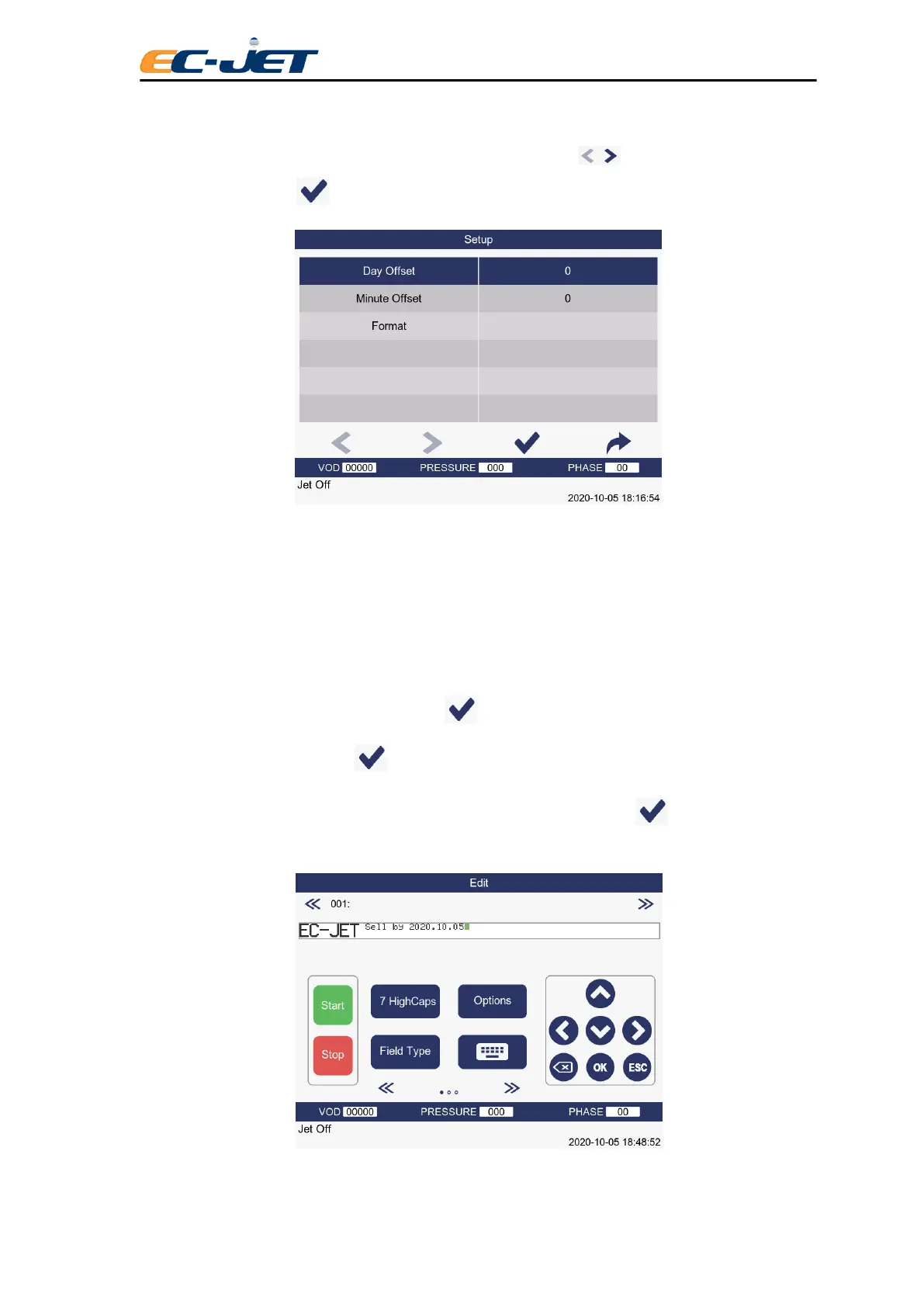
This is done by moving the cursor to the required format using the keys. The format is then
selected by pressing the key. The following menu will then be displayed:
Offset Number of days to be added to current date to create printed date. Range 0
through 7,300 days.
Minute Offset The date of printing is the current date plus the number of minutes passed
Format Format (see above) in which date will be printed.
The date offset may be changed by pressing the key to move the menu cursor to the value, typing
in the new value and pressing the key to activate the change.
If the date offset and format shown is correct (as on the menu above), press the key until the EDIT
MESSAGE screen is displayed, which will show the new date field added:
Notice that the actual date is not shown at this stage because it is still under editing. When editing is



 To Next Page