Guangzhou EC-PACK Packaging Equipment Co., Ltd.
EC-JET 1000Pro Continuous Inkjet Printer
two timed messages in a field.
Although we can edit the Timed Message field by pressing the [enter] key to display the TIMED
MESSAGE menu, the menu will only allow alteration of existing Timed Messages which were created
when the field was generated.
Since we cannot add another Timed Message, we will have to delete the field we have just created, and
start again.
To do this, make sure the cursor is somewhere in the timed message field we have just created,
press the [del] key; the field will vanish from the display:
Now to create the timed message as we did before, to occur at 12 midnight (zero hours) to read: “Night
Shift”.
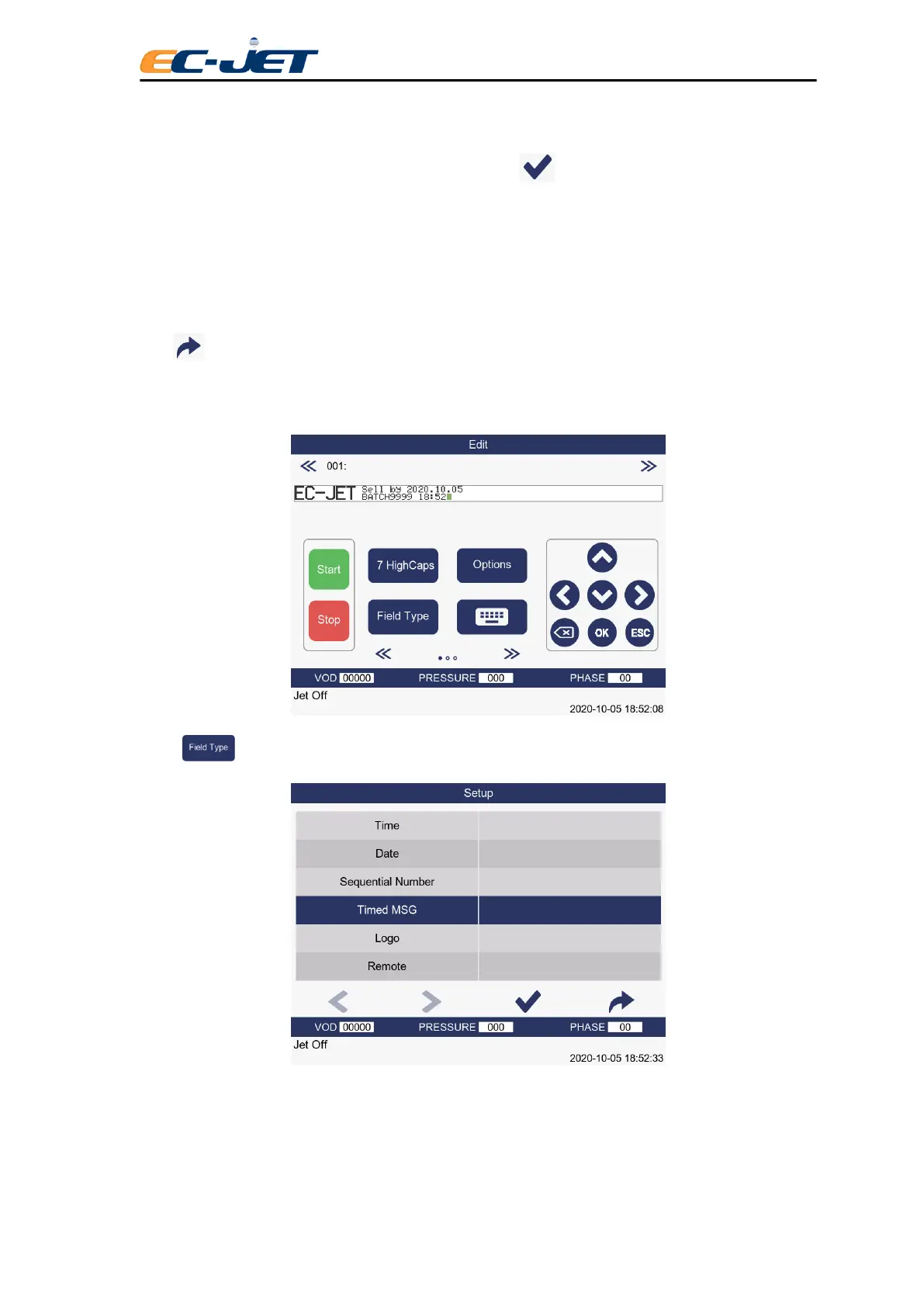
Press key from the EDIT MESSAGE screen to display the SELECT FIELD TYPE menu:
Locate the Timed Message option to enter the TIMED MESSAGE menu.
Create the timed message, using the menu cursor to locate and change the options as before:



 To Next Page