Guangzhou EC-PACK Packaging Equipment Co., Ltd.
EC-JET 1000Pro Continuous Inkjet Printer
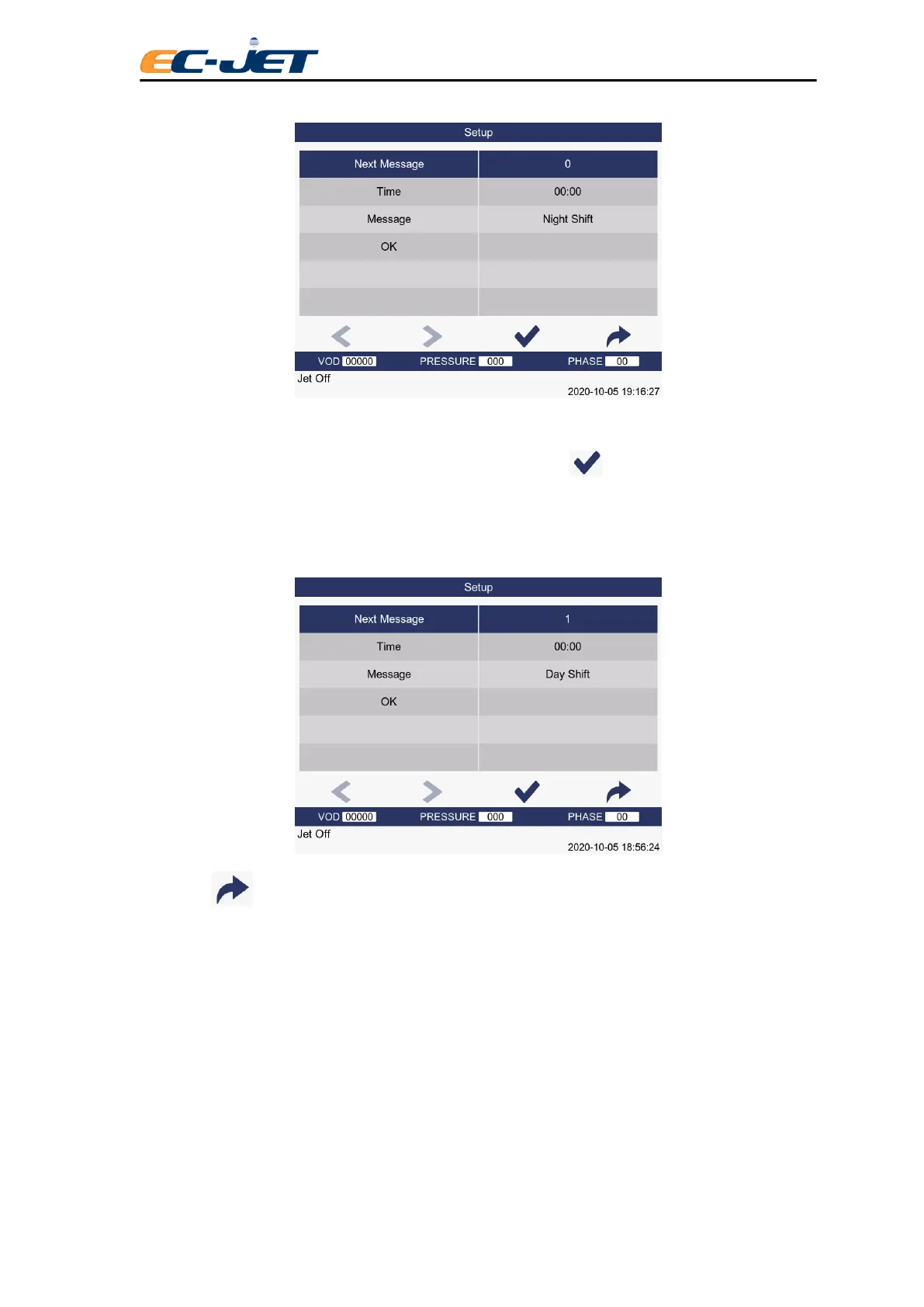
Now to create another timed message to start at 6 a.m. and read “Day Shift”.
Use the up arrow key to locate the Next Message option and press key. This will clear the Time
and Message options ready to input the next Timed Message - although our “Night Shift” message has
disappeared from view, it has been stored in the system.
Now create the “Day Shift” timed message by using the menu cursor to locate and change the options:
Now press key to return to the EDIT MESSAGE screen:



 To Next Page