132
How to use the TV
How to operate the tuner when an optional TV tuner has been connected
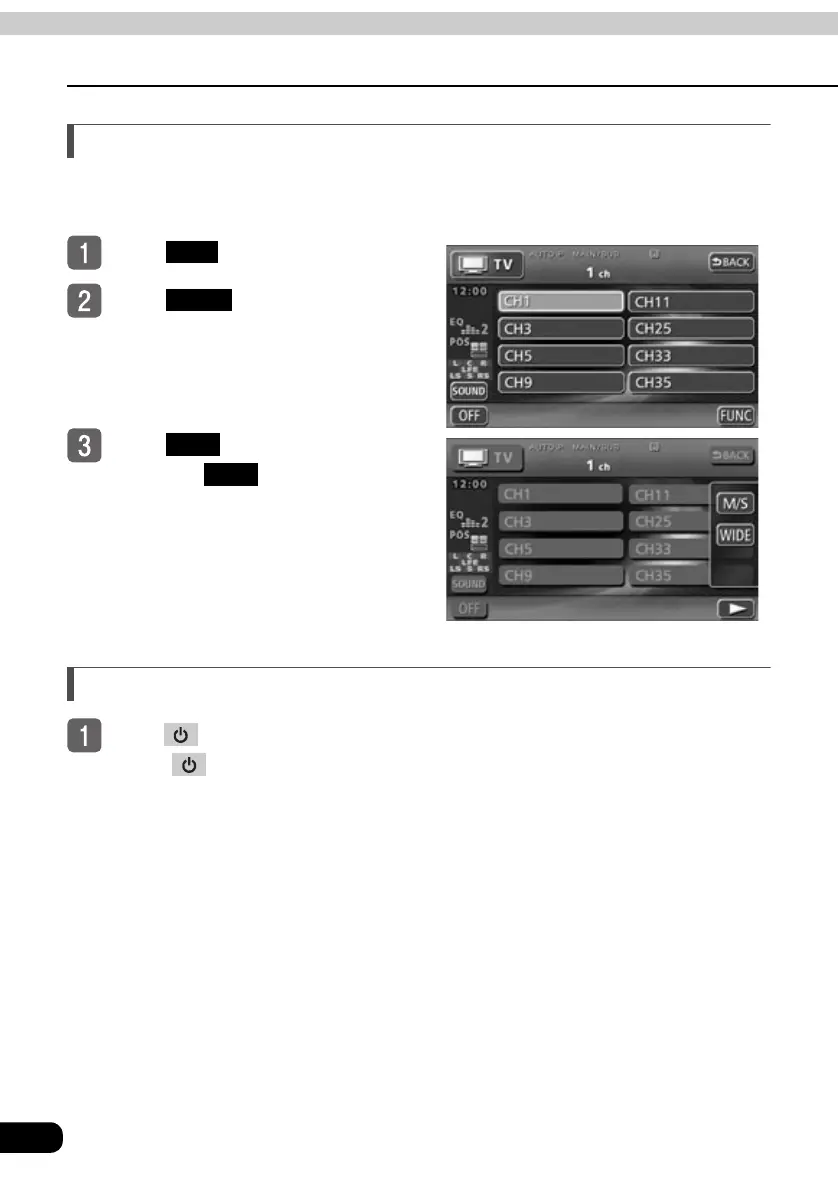
Switching the multiplex voice broadcasting
When the multiplex voice broadcasting is being received, main voice and sub voice can be
switched.
To u ch .
To u ch .
To u ch .
● Each time is touched, the
sound-multiplex broadcast is changed
between MAIN and Sub.
To end TV mode
Press .
● Press again to turn on the TV and resume reception of the channel received
before power was turned off.
SET
FUNC
M/S
M/S



 To Next Page