142
Adjusting sound quality
How to operate the unit with an optional 5.1 ch decoder/AV matrix unit connected
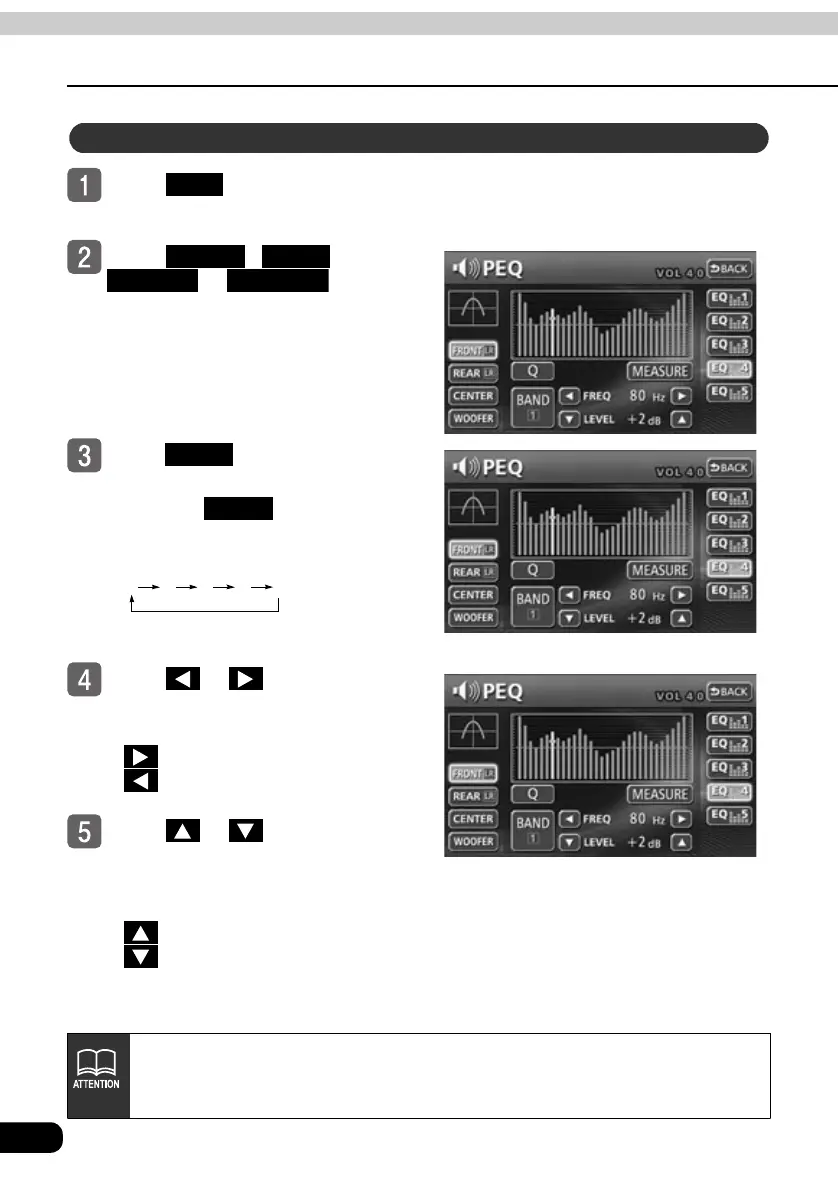
Touch in the sound
adjustment screen.
Touch , ,
or to select
the channel to be adjusted.
Touch to select the band to
be adjusted.
● Each time is touched, the
band will be changed in the order
shown below.
Touch or for FREQ to
select the frequency to be
adjusted.
● : Increase frequency
: Decrease frequency
Touch or for LEVEL to
adjust the frequency level.
● The frequency level can be adjusted
-10 dB to 10 dB (in units of one)
: Increase level
: Decrease level
Adjusting/Saving a PEQ
PEQ
FRONT REAR
CENTER WOOFER
BAND
BAND
1 2 3 4 5
The graph in the center of the screen is displayed when the frequency
characteristics are measured. For more information, refer to "Measuring/
Displaying frequency characteristics" on page 144.



 To Next Page