Basic operation
57
Basic
operation
6. Adjusting/setting the screen
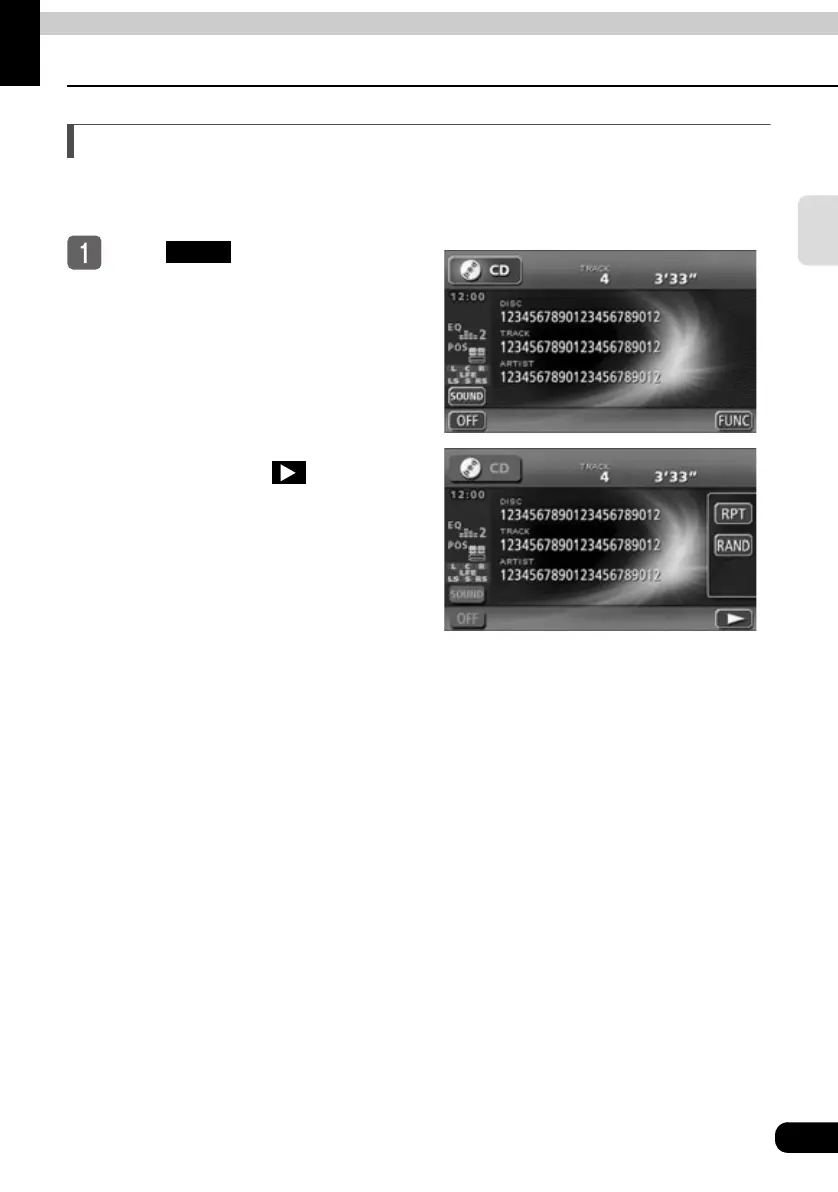
Switching the FUNCTION switch display
Touch switches not frequently used are not displayed in the audio operation screens and DVD
screens. These switches can be displayed as follows.
Touch .
● The FUNCTION switches appear.
● The FUNCTION switches are different
in each audio mode.
● The FUNCTION switches can be
hidden by touching .
● If the FUNCTION switches are
displayed, operations corresponding to
other switches cannot be performed.
Hide the FUNCTION switches, then try
the operation again.
FUNC



 To Next Page