168
Display settings
How to operate the unit with an optional 5.1 ch decoder/AV matrix unit connected
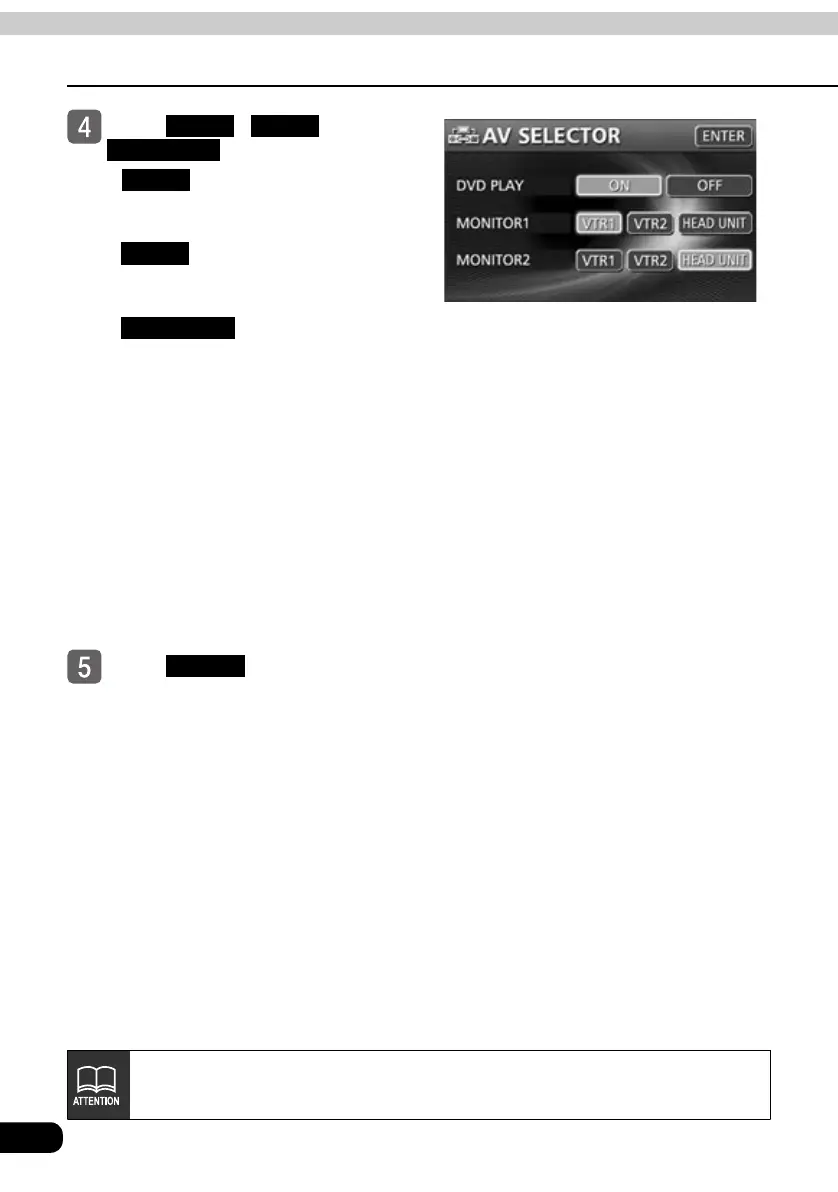
Touch , or
to select an image.
● : Outputs images and sounds
from VTR1 to the external
monitor
: Outputs images and sounds
from VTR2 to the external
monitor
: Outputs the same
images and sounds to
the main unit and
external monitor when
the main unit source is
set to TV/VTR. When
the main unit source is
set to DVD, DVD
images and sounds
will be output to the
external monitor if
DVD PLAY is set to
ON.
Touch .
VTR 1 VTR 2
HEAD UNIT
VTR 1
VTR 2
HEAD UNIT
ENTER
If a VTR or DVD player is not connected to the 5.1 ch decoder/AV matrix unit, no
image will be displayed.



 To Next Page