53
Basic
operation
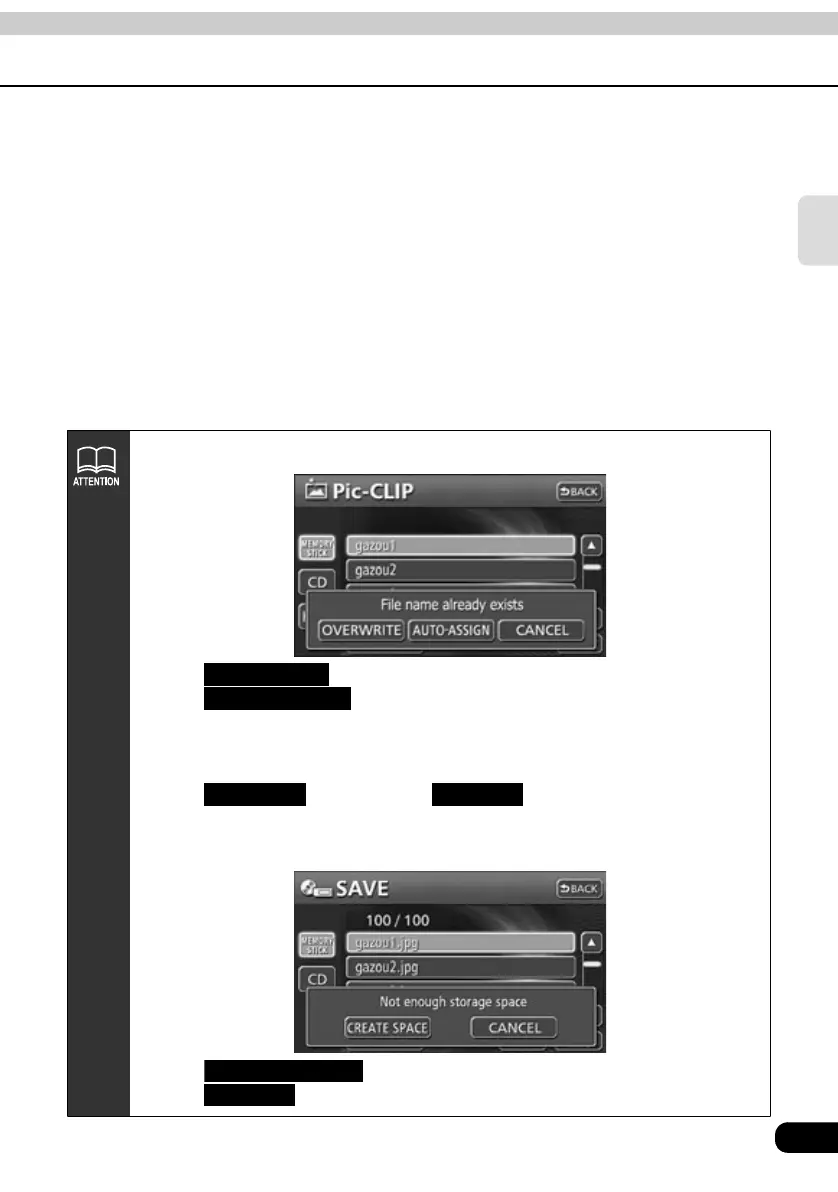
●The following screen will appear if the same file name already exists.
●Touch to overwrite the old data with the new data.
●Touch to save the file with a specified number prefixed to the
file name.
[Example] If "AA1.jpg" already exists, the new file with the same file name auto-
matically renamed "001_AA1.jpg" and saved.
●Touch , and then touch to cancel saving the image file
in progress and start saving the next image file.
●If the capacity of HDD is insufficient, the following screen will appear.
●Touch to delete a part of the saved data.
●Touch to stop saving.
OVERWRITE
AUTO-ASSIGN
ALL SAVE CANCEL
CREATE SPACE
CANCEL



 To Next Page