138
138
Using Radio
Audio Operations
■ Auto Tuning
● When a station having the frequency
closest to the one shown on the screen is
tuned, the auto tuning stops. To cancel
auto tuning, press the button again.
Auto tuning may fail if the received signal is
weak.
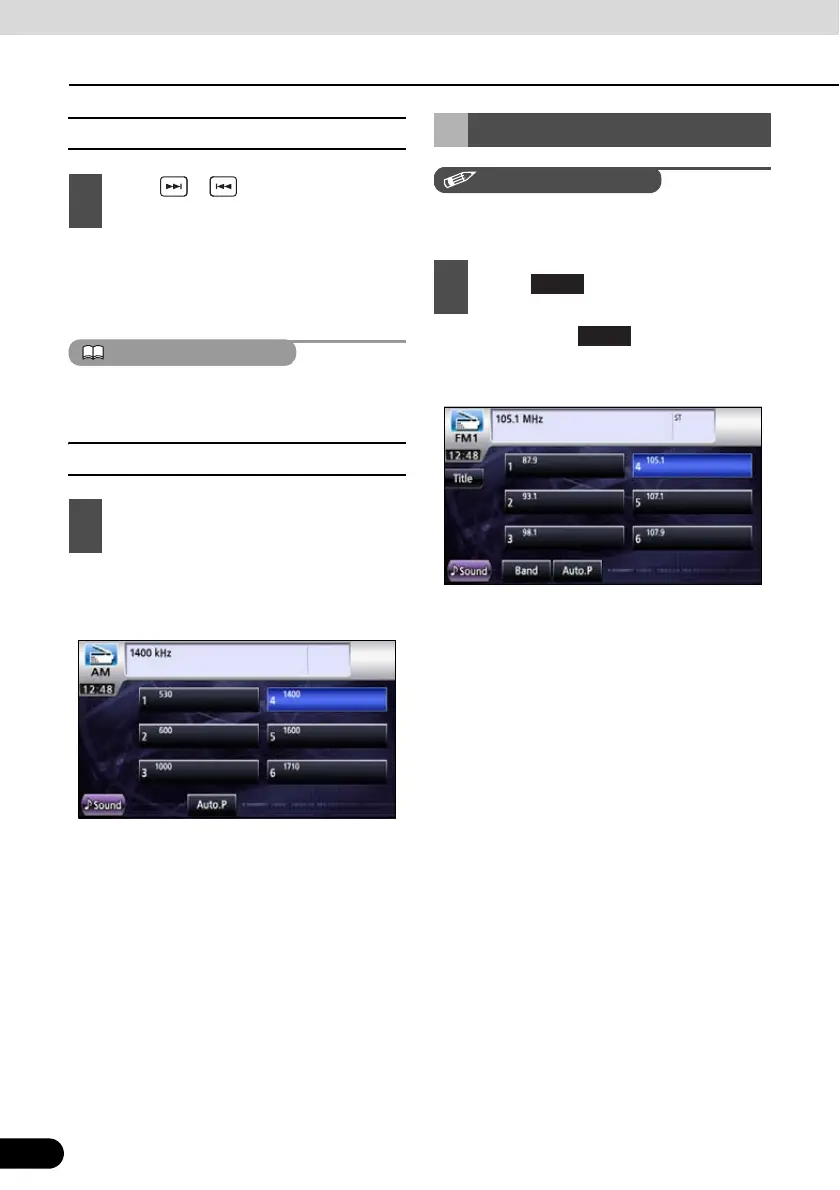
■ Selecting from preset switch
● The registered preset channel will be
selected and the corresponding station will
be received.
You can switch the receiving band of FM radio
when in FM radio mode.
● Each touch of switches to next
receiver band.
FM1 J FM2 J FM3 J FM1 J …
1
Press or and hold for at least 1
second.
1
Touch a preset switch stored in
memory.
Selecting Radio Band
1
Touch .



 To Next Page