146
146
How to Use SIRIUS Satellite Radio
Audio Operations
The SIRIUS ID number is a 12-digit
numerical code that is assigned each time
the SIRIUS satellite radio tuner is connected.
● A 12-digit numerical code is displayed.
● The BAND changes as follows.
SIRIUS1 J SIRIUS2 J SIRIUS3 J
SIRIUS4 J SIRIUS1 J …
■ Selecting from category
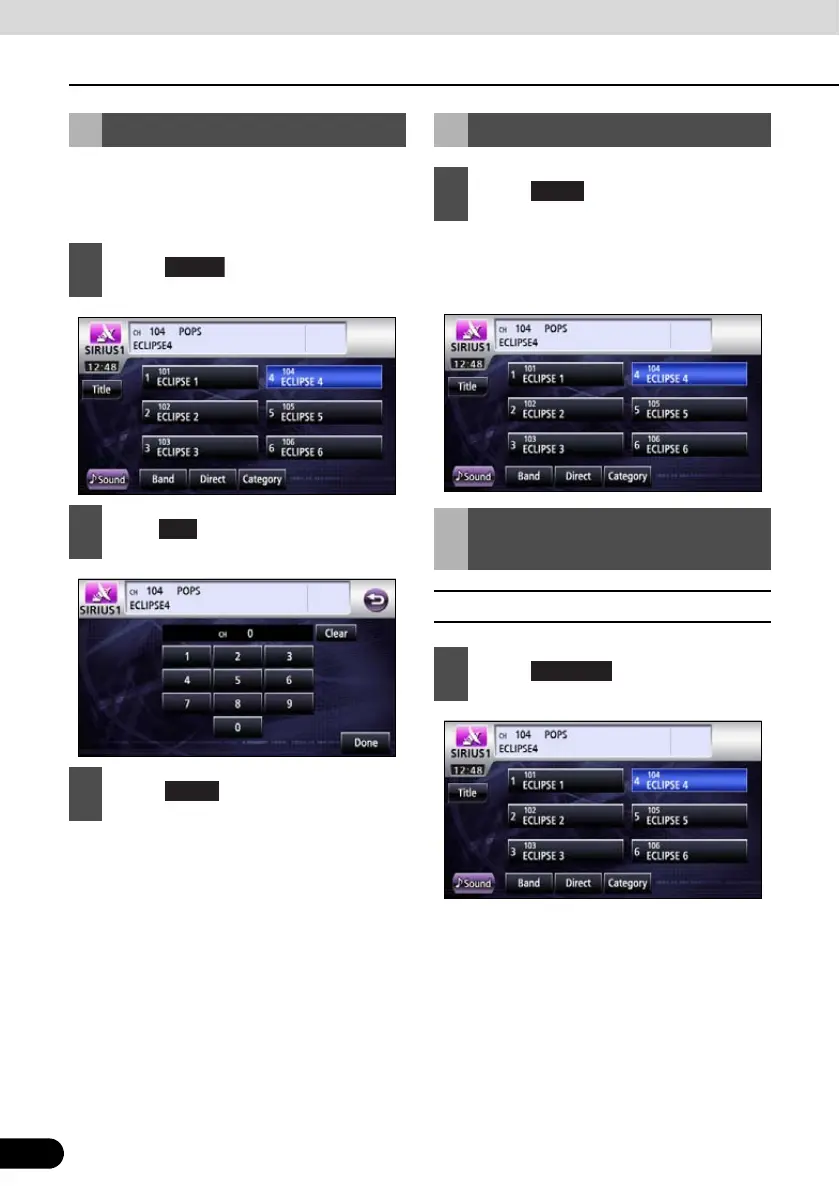
Checking SIRIUS ID
1
Touch .
2
Enter .
3
Touch .
Changing SIRIUS Band
1
Touch .
Selecting Channel to
Listen to
1
Touch .
Category



 To Next Page