33
33
● On completion, touch to store the
setting and return to the immediately
preceding screen.
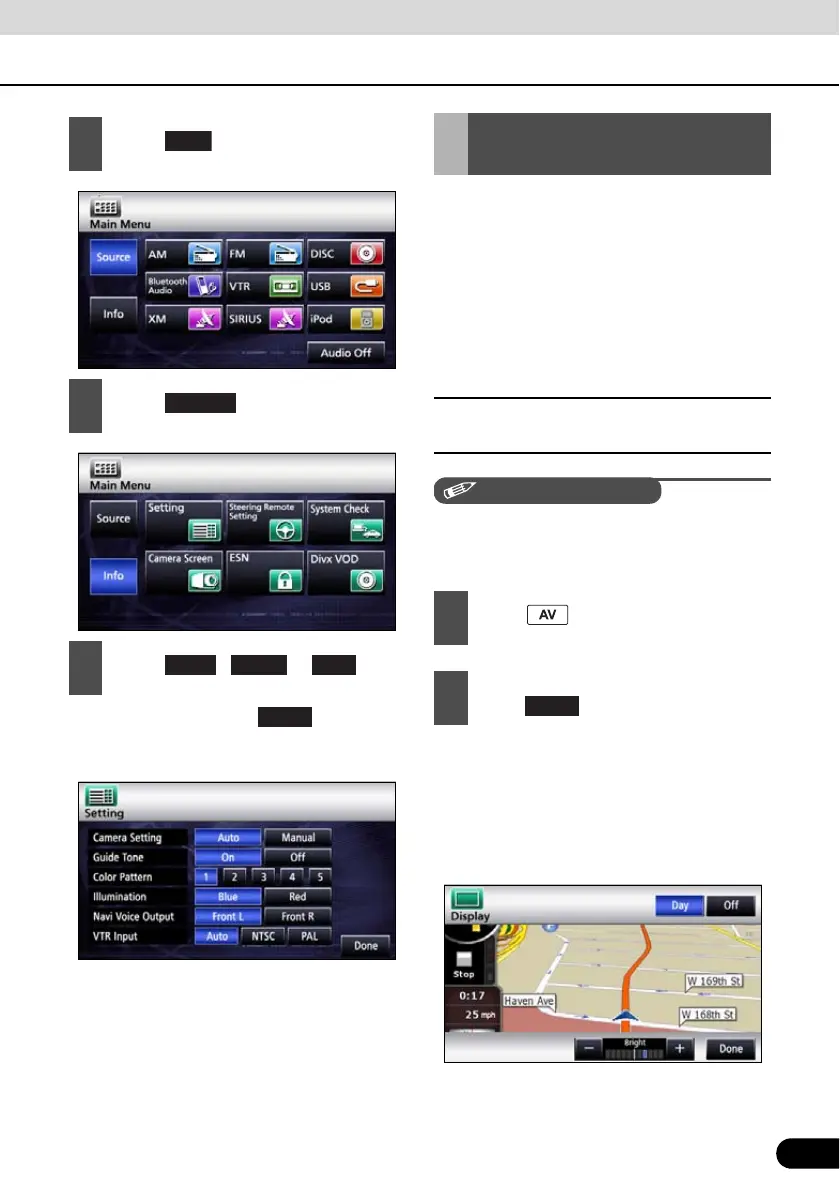
To make it easier to view the screen, switch
between Day and Night based on whether
the lights (sidelights, tail lights, license plate
light) are on or off.
In some vehicles, this receiver may be unable
to detect whether lights are on or off. In this is
the case, manually switch between Day and
Night.
■ Picture quality adjustment screen
display
The Picture quality adjustment screen can be
opened from the Navigation screen, the Audio
operations screen or the Video screen.
● For adjustments, see “Picture quality
adjustment” on page 34.
● When no operation is performed for
around 20 seconds, this receiver selects a
setting automatically and returns to the
preceding screen.
● For the Navigation screen and Audio
screen.
2
Touch .
3
Touch .
4
Touch , or .
Setting
NTSC
Screen Adjustment and
Setting
1
Press for at least 1 second.
2
On completion of the adjustment,
touch .



 To Next Page