147
147
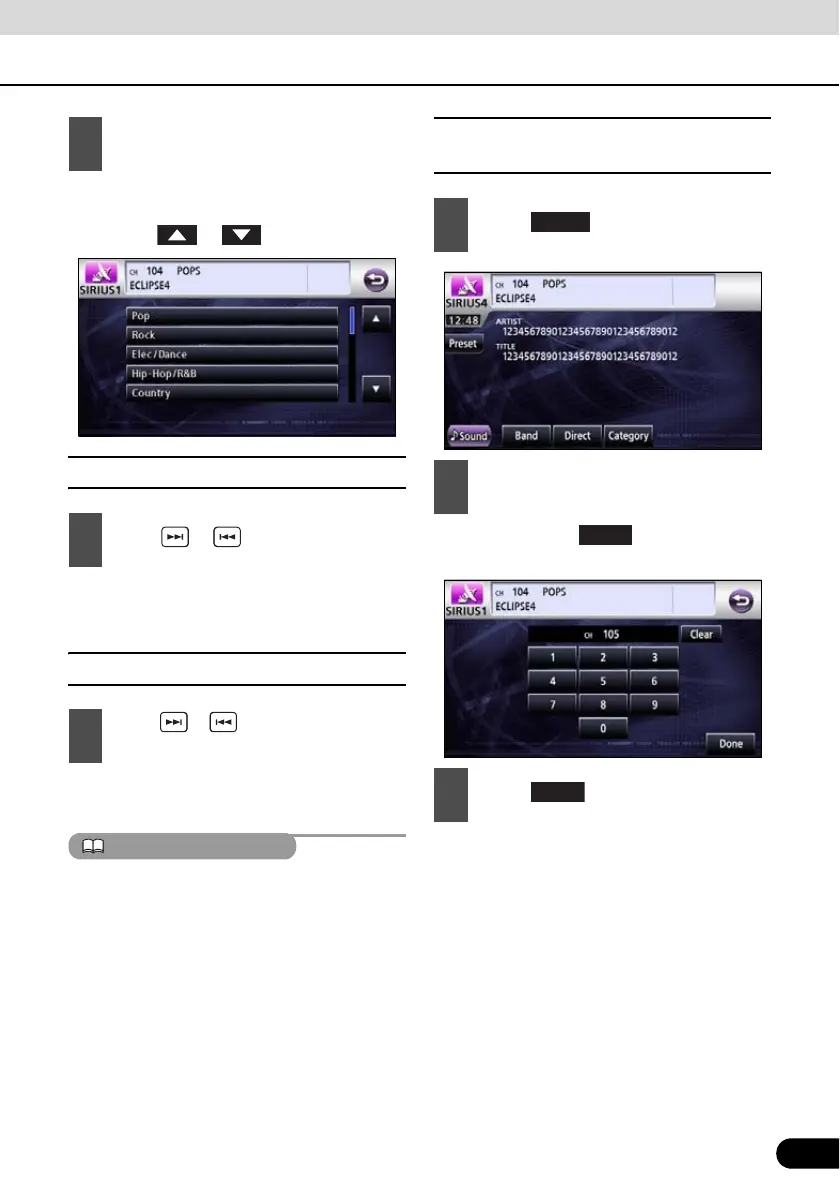
● If there are more than 6 categories, it is
possible to switch the list of categories by
touching or .
■ Manually selecting channel
● Right: Selects a higher channel.
Left: Selects a lower channel.
■ Automatically selecting channel
● Searches for channels in the currently
selected category.
Auto tuning may fail in districts where the
received signal is weak.
■ Selecting a channel by entering it
directly.
● Each touch of deletes a single
character.
2
Touch the category you wish to listen
to.
1
Press or .
1
Press or and hold for at least 1
second.
1
Touch .
2
Enter a channel.
3
Touch .



 To Next Page