44
44
Bluetooth Hands-Free Operation
Before Use
■ Receiving a call
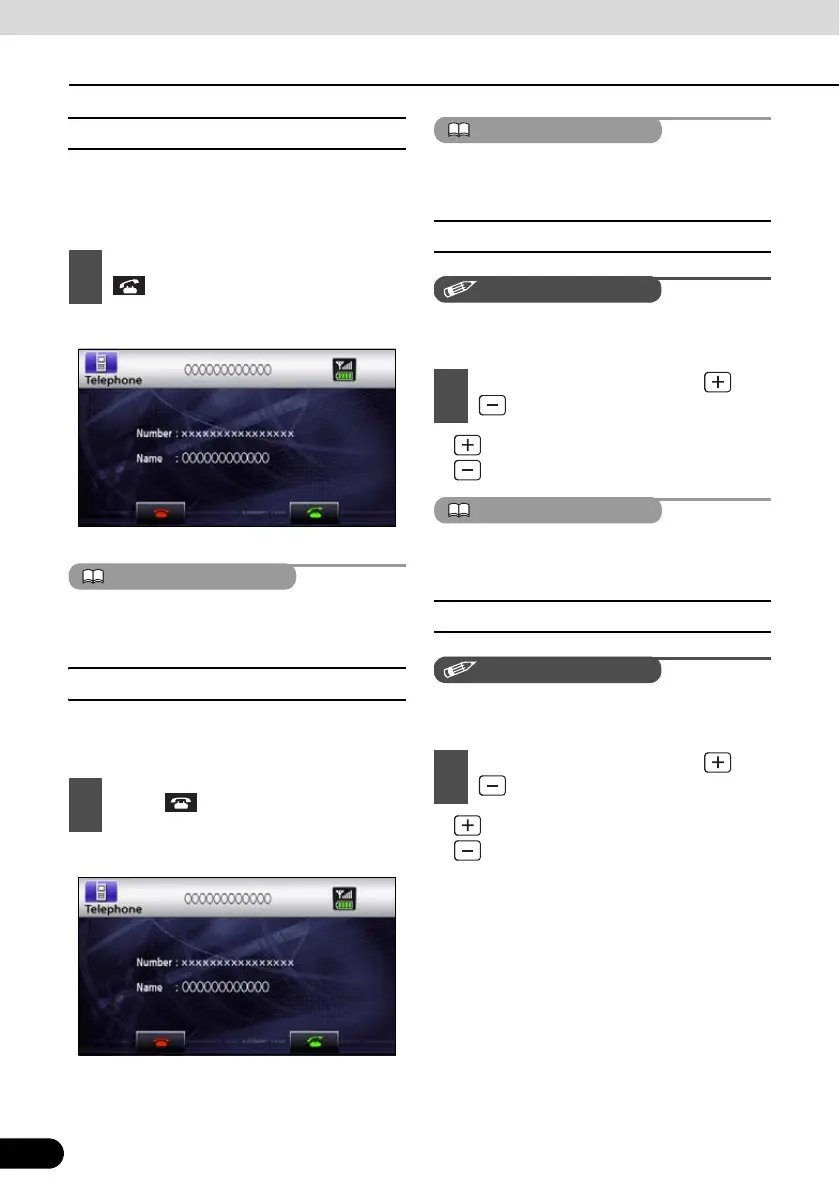
You can receive incoming calls in any source
mode. When a call arrives, the Calling screen
is displayed automatically.
● You are connected and able to talk. .
● Calling screen
You can also receive calls automatically. See
“Auto Answer settings” on page 45
■ Ending a call (call refusal)
You can end a telephone conversation and
refuse calls.
● The call will end.
● Calling screen
Refused calls are stored in the incoming call
history.
■ Adjusting the ringtone volume
Make adjustments to the ringtone during
ringing.
● : Increase ringtone volume
: Decrease ringtone volume
Sound is not emitted unless the ringtone is set
to ON.
■ Adjusting the talking volume.
Make adjustments to the talking volume when
talking.
● : Increase talking volume
: Decrease talking volume
1
When you hear the ringtone, touch
.
1
Touch on the Calling screen.
1
Adjust the volume by pressing and
.
1
Adjust the volume by pressing and
.



 To Next Page