183
183
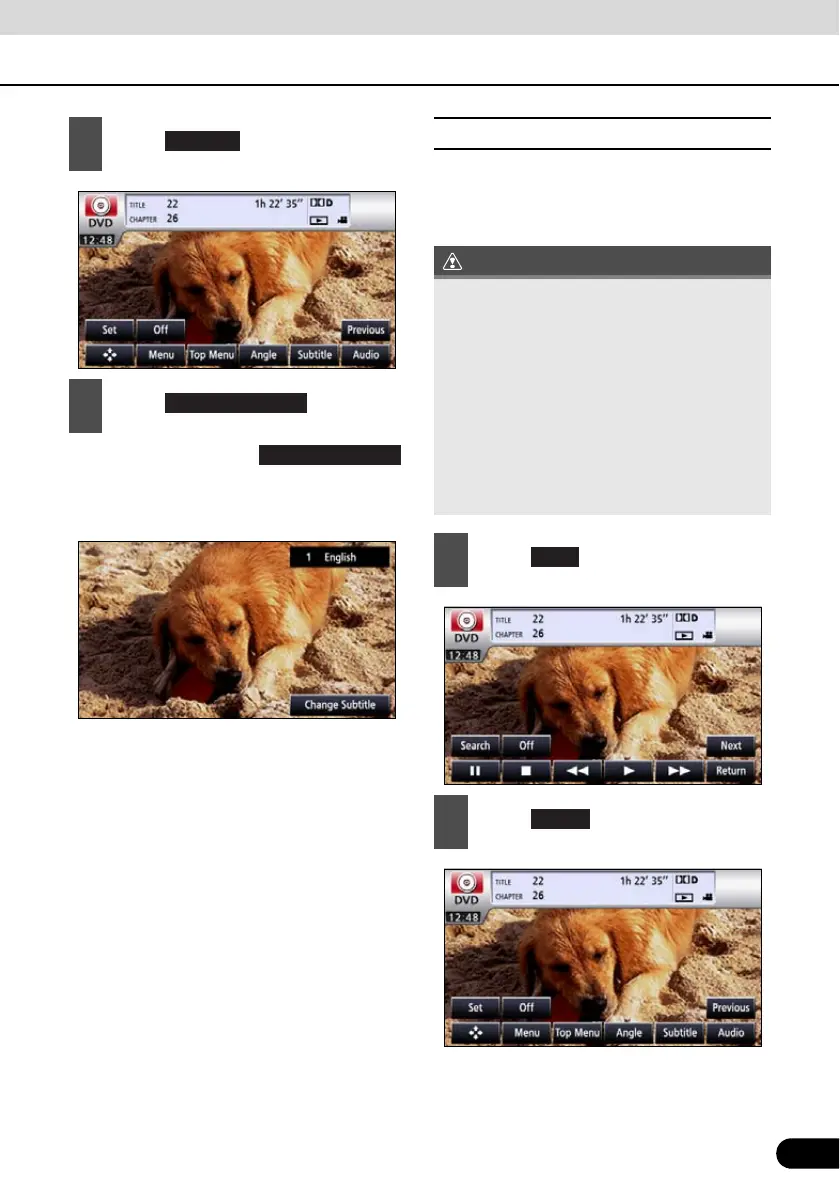
● Each time you touch ,
the subtitle number is changed, and the
subtitle languages recorded on the disc
are toggled in sequence.
■ Changing the Audio Language
If the target disc supports multiple audio
languages, you can change them while
playing.
2
Touch .
3
Touch .
Change subtitle
● Depending on the disc, it may only be
possible to change audio languages from
the top menu.
● This receiver does not support the dts
(digital theater system) format; therefore,
no audio will be emitted when “dts audio” is
selected for a disc that contains dts audio.
If audio is securely recorded on the DVD
video with no audio emitted, select “Dolby
Digital audio”.
● dts is a registered trademark of the US
company Digital Theater Systems, Inc.
1
Touch .
2
Touch .
Audio



 To Next Page