27
27
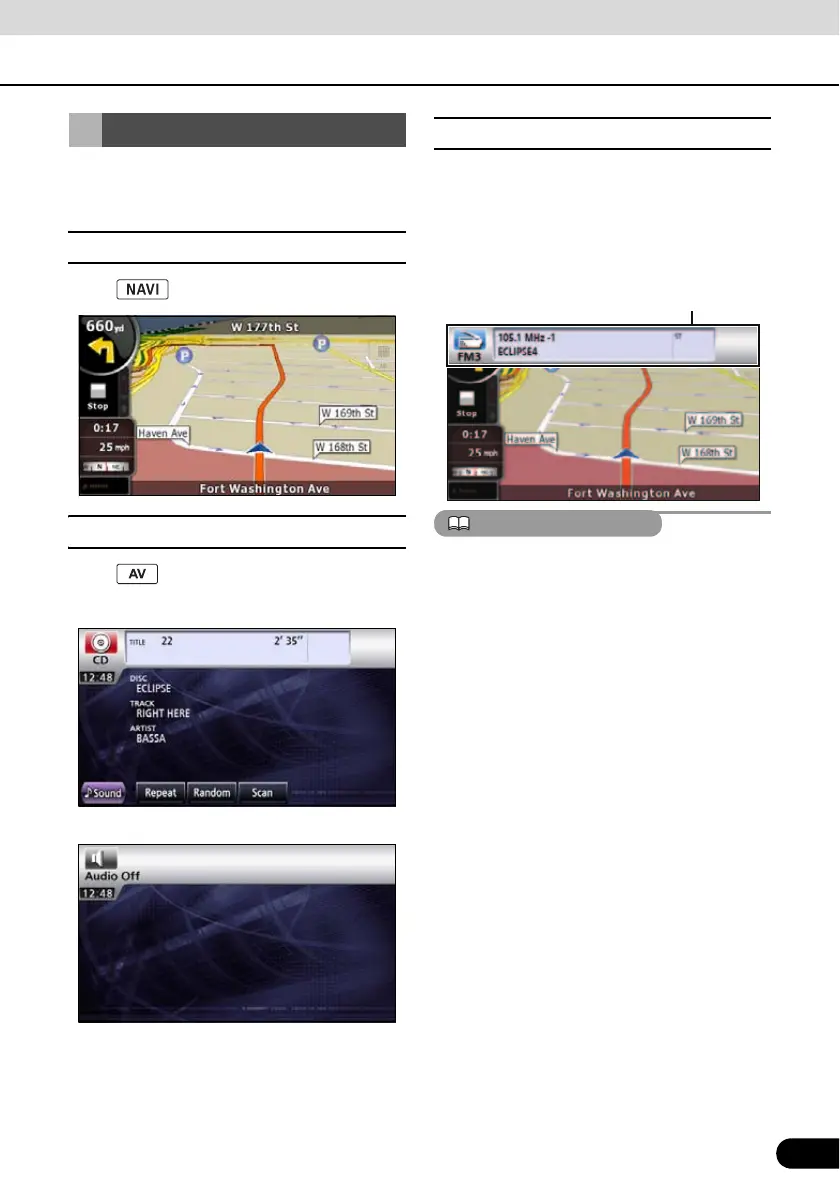
Press the following switches to switch among
screens.
■ Navigation screen
Press .
■ Audio operations screen
Press .
(when operating as CD player)
*1
.
(OFF screen)
*2
*1 Displayed when audio function is in
operation. For audio operations, see
“Switching the Audio Source” on page
124
.
*2 Displayed when audio function is OFF.
■ About screen display
If DISC is loaded or USB or iPod is connected
while the Navigation screen is displayed, the
screendisplay will appear.
After a short time, the screen display
disappears automatically.
When the iPod is disconnected, a screen
corresponding to the audio source of the
preceding mode is displayed.
Starting each Mode
Screen display



 To Next Page