188
188
Using the DVD Player
Visual operations
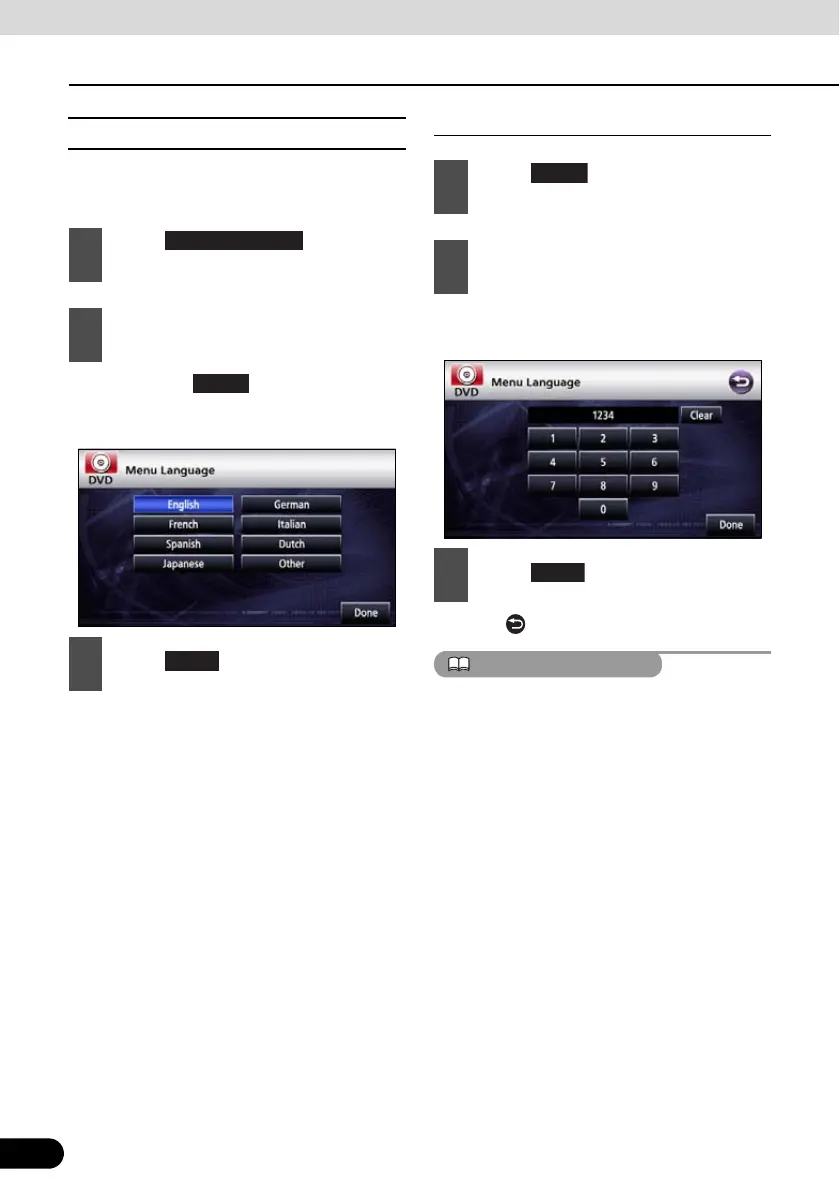
■ Specifying the Menu Language
You can specify the language to display
menus recorded on the disc.
● If you touch , you can specify a
language other than the one displayed on
the screen.
Entering the Code
● For the language code, see “Language
Code List” on page 191.
● Touch to return to the previous page.
If the selected language is not compatible with
the disc, you will not be able to change to that
language.
1
Touch on the initial
setting screen.
2
Touch the desired language.
3
Touch .
1
Touch on the menu language
setting screen.
2
Enter the desired language code.
3
Touch .



 To Next Page