213
213
■ Cancelling a portable device
connection.
● Cancelling of the connection of the
portable device is now complete.
When connection fails, “Bluetooth Connection
Failed” is displayed. In this case, repeat the
connection operations.
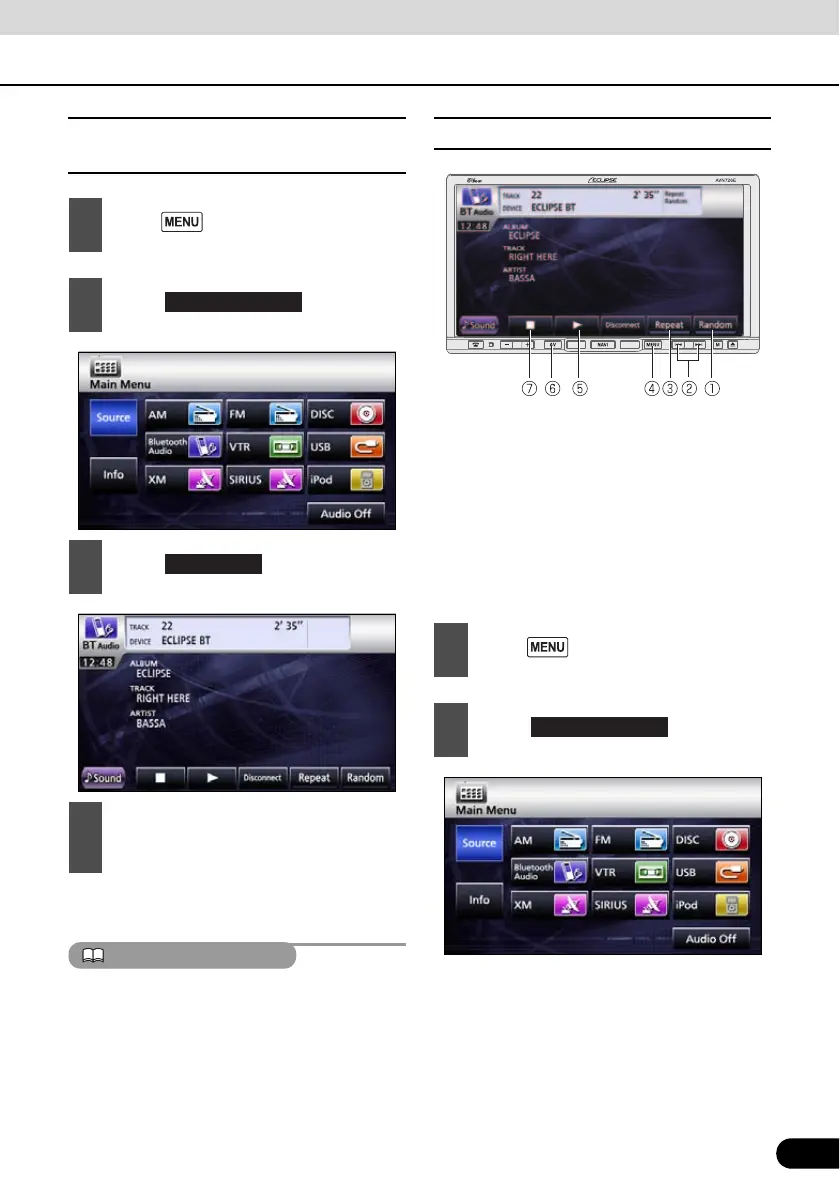
■ Listening to the portable device
a Random switch
b File UP/DOWN, Fast UP/DOWN button
c Repeat switch
d MENU button
e Play switch
f AV button
g Stop switch
1
Press .
2
Touch .
3
Touch .
4
“Bluetooth Connection Successful” is
displayed on completion of
cancellation.
Disconnect
1
Press .
2
Touch .



 To Next Page