38
38
Before Use
Bluetooth Hands-Free Operation
This receiver uses Bluetooth wireless
technology to enable use of Bluetooth-
supported cell phones. Connection with this
receiver allows you to make calls without
touching your cell phone. To use a Bluetooth-
supporting cell phone with this device, it is
necessary to perform Bluetooth registration
and connection settings.
● The Bluetooth-supported cell phone to be
connected must be a cell phone which
supports the relevant Bluetooth
specification. For the Bluetooth
specification supported by this receiver,
see Specification (See page 227).
● Bluetooth is a short-range wireless
technology for connecting cell phones,
computers and other such devices.
Bluetooth
®
is a registered trademark of
Bluetooth SIG, Inc.
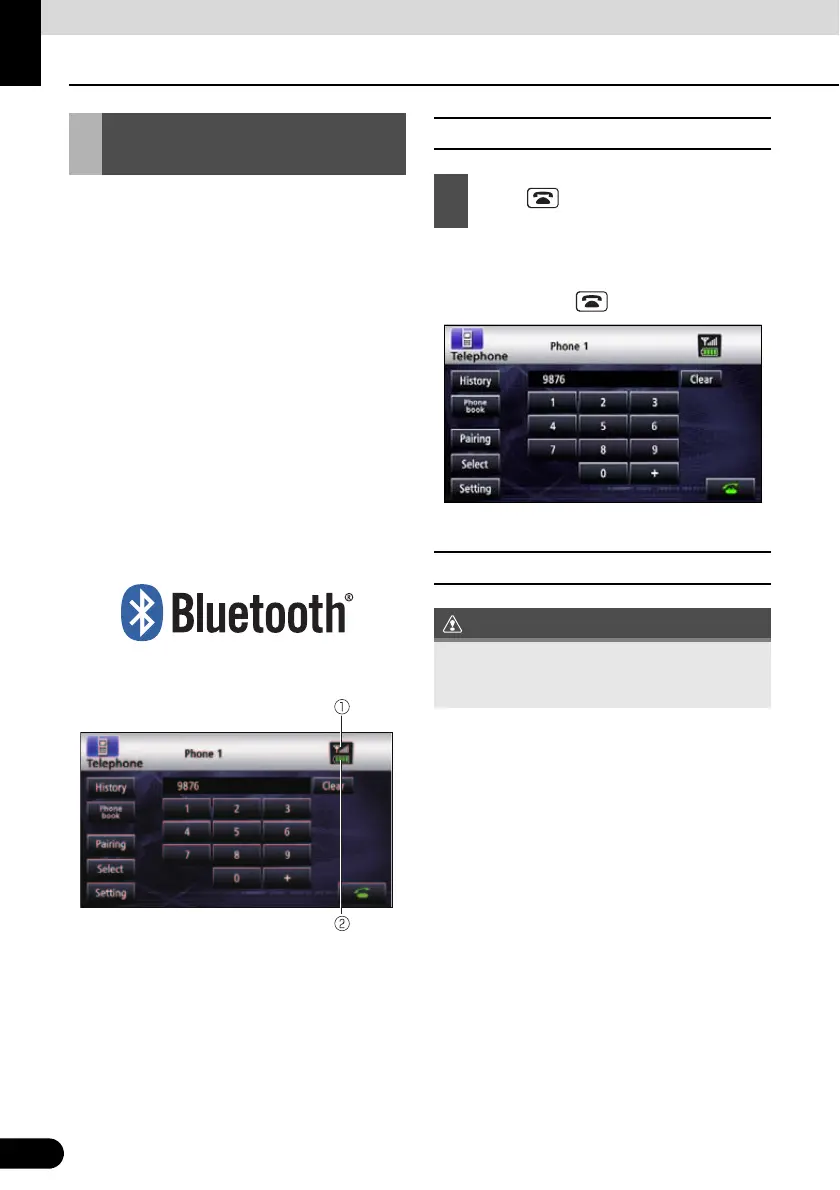
a Reception indicator
b Battery indicator
■ Hands-free screen display
● The hands-free screen is displayed.
● When a call is in progress, finish the call
before pressing .
● Hands-free screen
■ Registering a cell phone
Register a cell phone on this receiver. Cell
phones can be registered in two ways, from
the cell phone, or by searching for the cell-
phone on this receiver. Up to 5 cell-phones
can be registered. The order of connection
precedence is always 1 to 5. When a cell
phone is added or deleted, the order of
connection precedence is renewed.
Using Bluetooth Hands-
Free
1
Press .
Do not register a cell phone while driving. Be
sure to park the vehicle in a safe location and
register a cell phone.



 To Next Page