37
37
● If the music CD cannot be verified, you can
make a maximum of five attempts to unlock
the security. When verification fails, the
Customer enquiries screen is displayed.
● When the Customer enquiries screen is
displayed, you can no longer operate this
receiver. Please contact customer services.
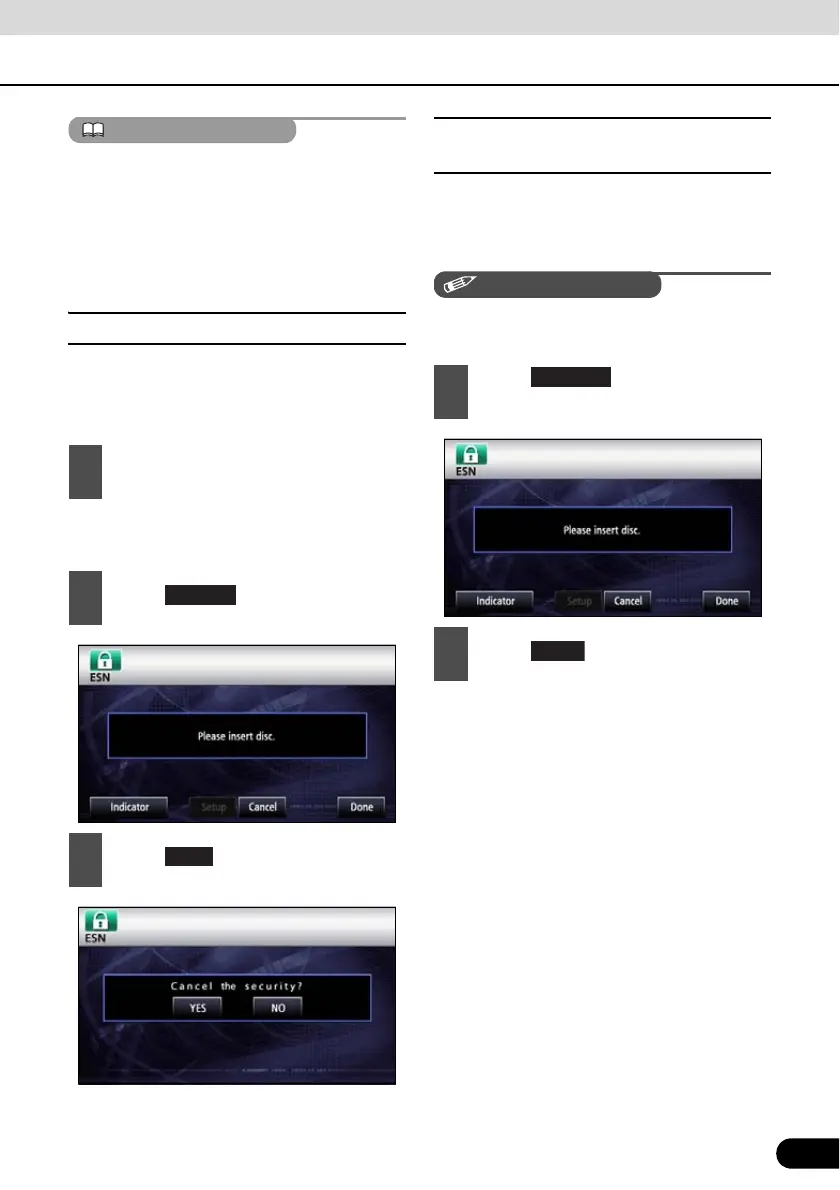
■ Cancelling ESN security
To reapply the ESN security after cancelling,
repeat the process of registering a music CD.
See “Operation of ESN security” on page 36
● For disc insertion, see “Loading/Unloading
a Disc” on page 22.
■ Setting display of security
indicator
You can select whether to use the security
indicator which flashes when ESN security is
in operation.
You cannot set the indicator unless you have
registered a music CD in this receiver.
1
Go to the ESN setting screen, load a
music CD into the disc insertion slot.
2
Touch .
3
Touch .
1
Touch on the ESN setting
screen.
2
Touch .



 To Next Page