50
50
Navigation Overview
Operation
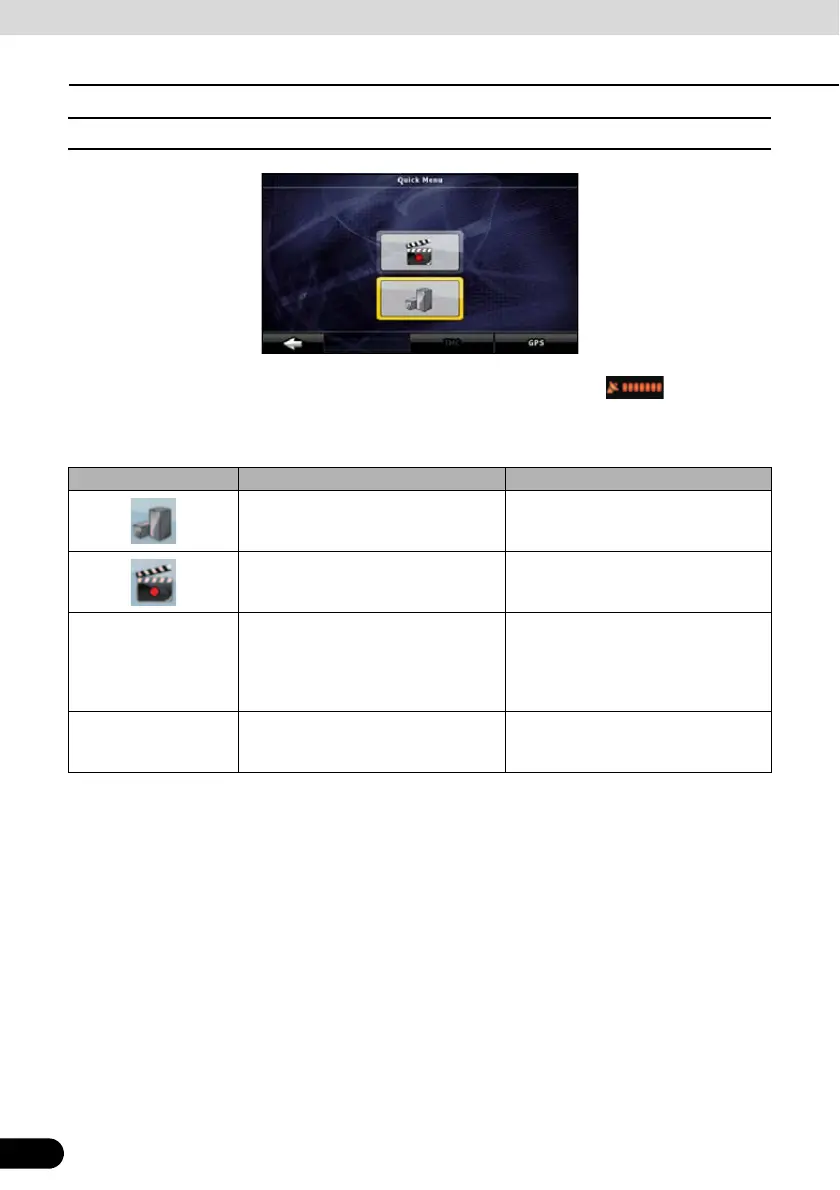
■ Quick Menu
The Quick menu is a selection of controls that are frequently needed during navigation. It is
opened from the Map screen. Touch the following switches on the map:
Touch the switch in the Quick menu to start the Map screen immediately. Switches are on
when lit up.
Name Main function (single touch) Function (touch and hold)
3D buildings can be displayed on the
map. Use this switch to suppress them
temporarily.
Opens 3D settings.
Turn Track Logs on and off. This
function can also be controlled from
the Manage Track Logs screen.
Opens Manage Track Logs screen.
[GPS] Opens the GPS Data screen, which
includes satellite information, data
coming from the GPS receiver, and a
shortcut to the GPS Setting screen if
needed.
No action
[TMC] When a SIRIUS Traffic receiver is
connected to Navigation, this switch
opens the list of Traffic messages.
No action



 To Next Page