178
178
Using the DVD Player
Visual operations
■ Playing a Video
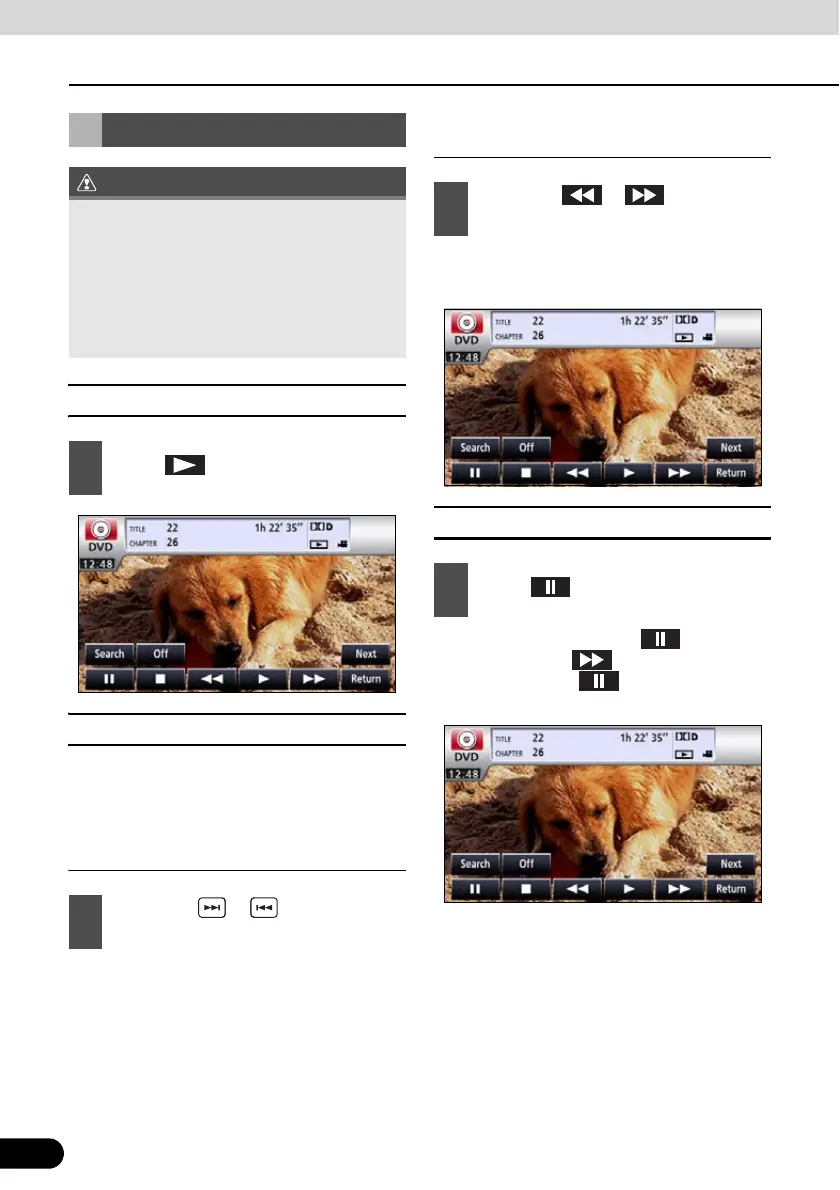
■ Fast Forward/Rewind
It is possible to fast forward or rewind through
the video being played.
Fast Forwarding or Rewinding Using
Panel Switch
● To the right:
Fast forwards a video.
To the left:
Rewinds a video.
It will fast forward (rewind) the video until
the switch is released.
Fast Forwarding or Rewinding Using
Touch Switches
● It will fast forward (rewind) the video until
the switch is released.
■ Pausing a Video
● When video is paused ( ) and when
you short touch , the Slow Play starts.
When you touch , the frame-by-frame
play starts.
Video Operations
● The touch switches and other operation
icons are shown approximately 6 seconds.
Touching the screen will display them
again.
● Depending on the disc, automatic
playback may not function, or playback
may not function unless a menu recorded
on the disc is selected.(See page 179)
1
Touch .
1
Hold down or for 1 or more
seconds.
1
Hold down or for 1 or more
seconds.
1
Touch .



 To Next Page