Operating panel devices
2.8 EST2 System Operations Manual
Reading 2-LCD messages
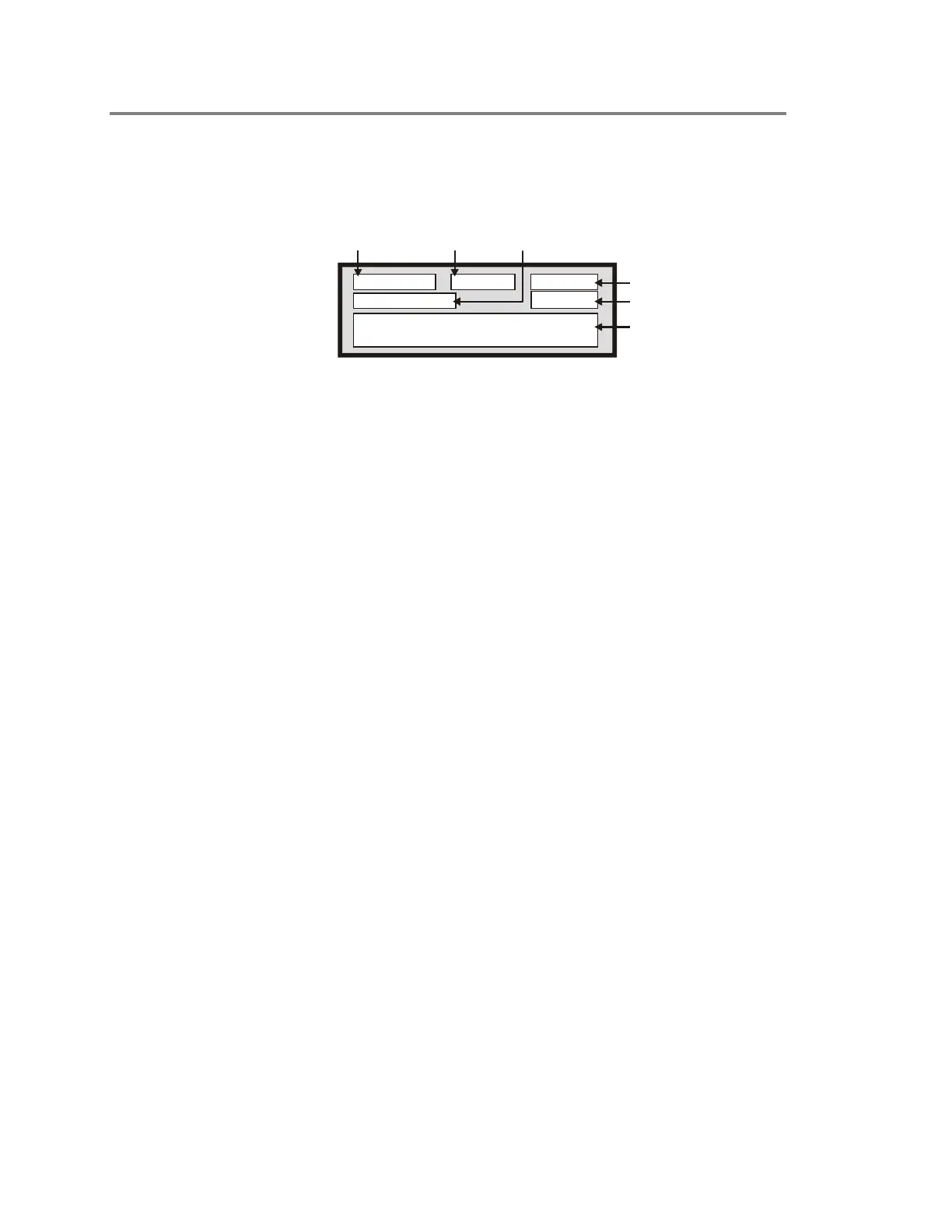
Each message on the 2-LCD indicates several details about
itself. Figure 2-2 illustrates a typical fire alarm message.
Current Time
Message
Waiting
Event Time
Event Type
Event Address
Event Message
STDOP001.CDR
Fire Alarm
14:55:18
M:001 13:40
4 Fl Nurse's Station
East Wing Sub-station
0101
Figure 2-2: Typical fire alarm message
Current time
The current time appears in twenty-four hour format, and
constantly changes to indicate the present system time.
Messages waiting
Messages waiting indicates the number of messages presently in
the message queue. The message with the highest priority
appears on the 2-LCD while the other messages wait in the
queue.
Event type
The 2-LCD displays the following types of events:
• 1st Fire Alarm
• Fire Alarm
• Supervisory
• Short Fault
• Open Fault
• Comm. Fault
• Ground Fault
• Dev/Line Fault
• Watchdog Fault
• Monitor Act
• PreAlarm Act
• Verification
• Maintenance
•Event
• Disable Flt



 To Next Page