Operating panel devices
2.18 EST2 System Operations Manual
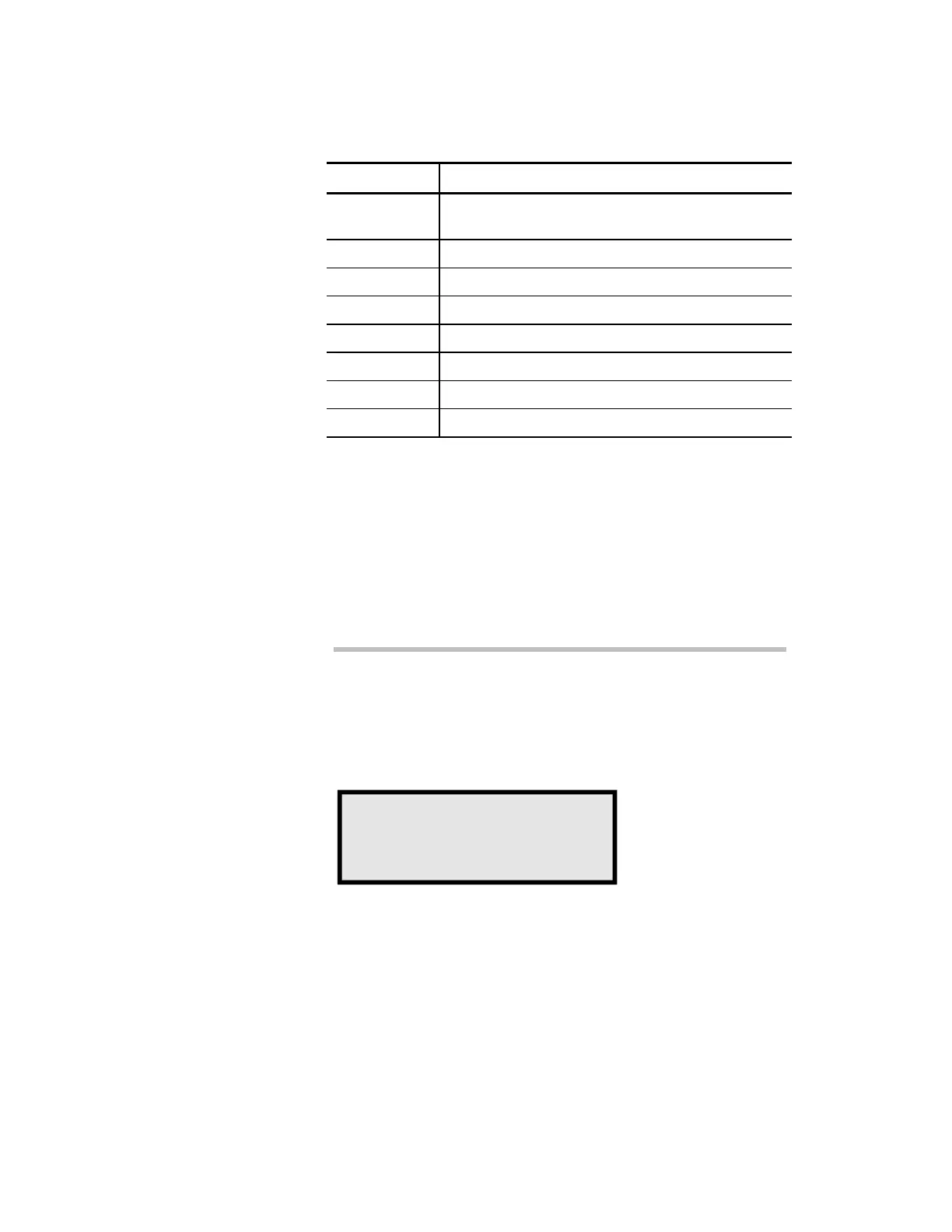
Table 2-7: Loop status legend
Legend Cause
Com Communications fault between loop electronics
and main controller module (MCM)
Res Signature Data Circuit (SDC) is resetting
Bal SDC is balanced
Mpg SDC is actively mapping
Prg Writing to Signature memory
Gnd Ground Fault on SDC
Lin Class A Fault on SDC
Map Map Fault on SDC
Viewing the field panel status screen
If a panel has connections to annunciators or audio equipment,
the 2-LCD status function will feature the Field Panel status
screen. The Field Panel Status screen indicates the condition of a
panel’s communications to the annunciators or audio equipment
connected to it.
To view the field panel status screen:
1. At the 2-LCD, press Status.
2. Enter a level 1, 2, or 3 password.
3. Press Enter until you see the field panel status screen
(Figure 2-7).
STDOP022.CDR
Field panel status.
Address: 10 Power: ok
Com.Prm: ok ComSec:na
Com.Enabled: ok
Figure 2-7: Typical field panel status screen



 To Next Page