Operating panel devices
EST2 System Operations Manual 2.19
Table 2-8: Field panel status legend
Legend Cause
Com.Prm Primary Communications
ComSec Secondary Communications
Com.Enabled Communications Enabled
Viewing the Relay/LED status screen
If the system activates a relay or LED, the 2-LCD status function
will feature the Relay/LED status screen.
To view the Relay/LED status screen:
1. At the 2-LCD, press Status.
2. Enter a level 1, 2, or 3 password.
3. Press Enter until you see the Relay/LED status screen
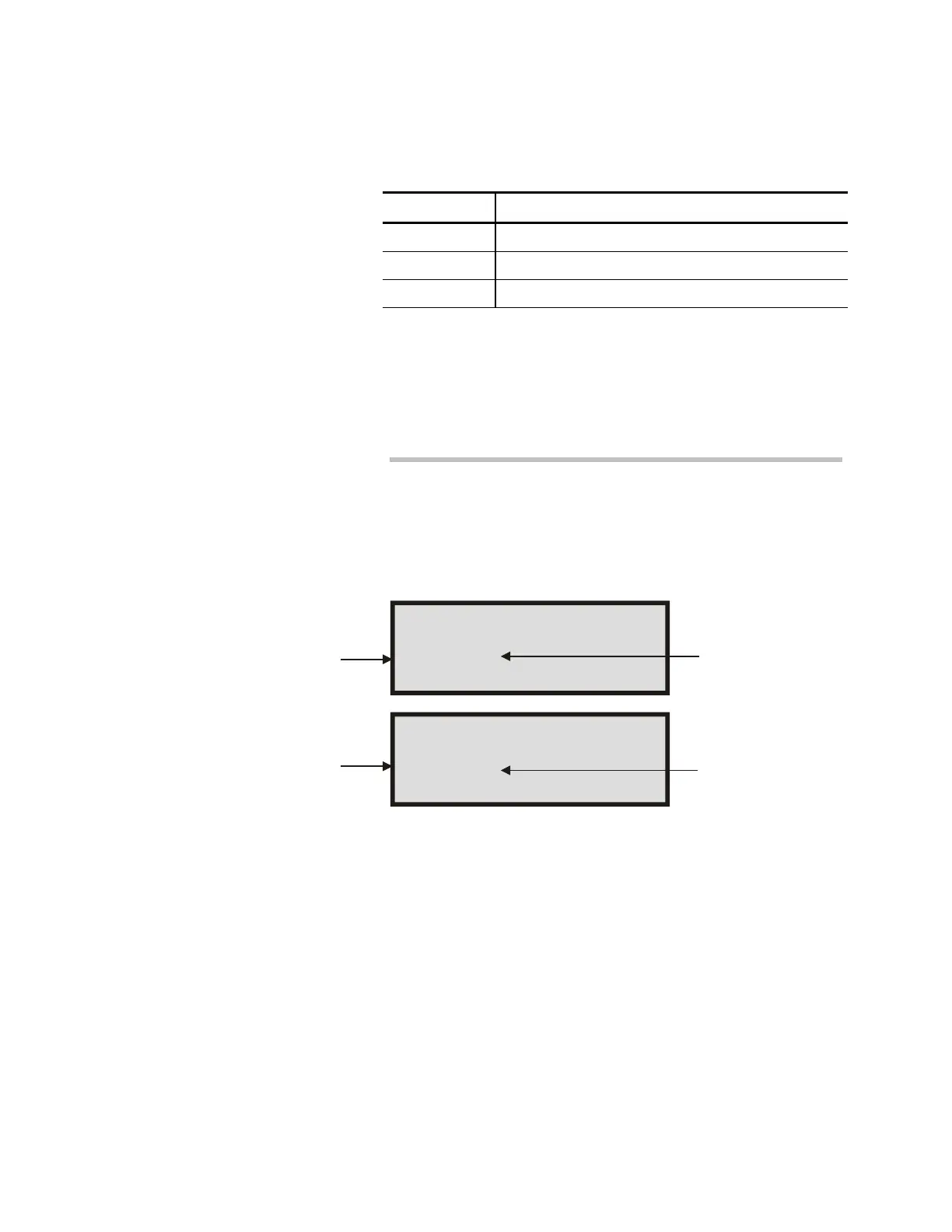
(Figure 2-8).
Relay/Led status:
0208 (S50)
Relay/Led status:
0208 (R51)
STDOP006.CDR
Signature module at address
08 on the MCM SDC
Signature module at address
08 on the MCM SDC
SDC (Signature data circuit)
MCM (Main Controller Module)
Set with Priority 50
Reset with Priority 51
Figure 2-8: Typical LED/relay status screens
Viewing disabled device status
If the operator disables a device or function of the system, the
2-LCD status function will generate a status screen to show it.
Status screens will show the following disabled components or
functions:
• Points
• Messages
• Actions
• Time Controls
• Sequences



 To Next Page