Operating panel devices
EST2 System Operations Manual 2.45
Recording voice messages
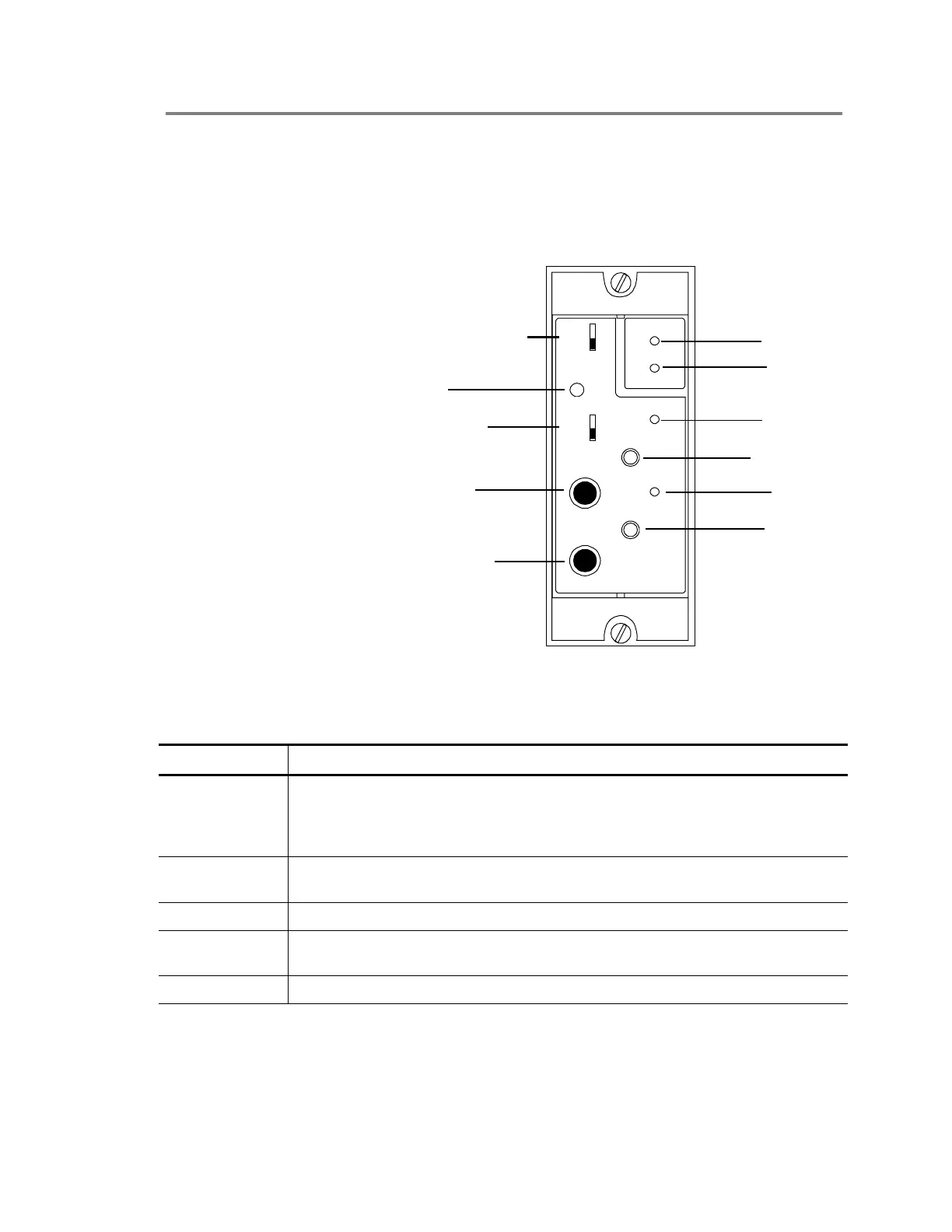
The SIGA-MDM is a digital message module, which provides
up to two voice quality audio messages. Each message lasts for
up to 30 seconds. The SIGA-MDM can function as a standalone
audio source or in conjunction with the 2-AAC.
PLAY
REC.
MIC./LINE
IN
HEAD
PHONES
MSG
1
2
CLIP
MIC.
LINE
SDC
NORMAL
TOP
STDOP042.CDR
ACTIVE
Message select switch
Normal LED
Active LED
Record LED
Record switch
Play LED
Play switch
MIC/Line switch
MIC/Line jack
Headphonet jack
Clip LED
Figure 2-29: SIGA-MDM Digital Message Module
Table 2-12: Indicators
LED Description
Clip The Clip LED flashes while you record a message to indicate that its amplitude
is exceeding the recording level. The SIGA-MDM is clipping the audio spike to
hold the message's amplitude down. The Clip LED should flash only
occasionally.
Normal The Normal LED, when lit, indicates that the SIGA-MDM is communicating with
the Signature Loop Controller.
Active The Active LED, when lit, indicates that the SIGA-MDM is playing a message.
Record The Record LED, when lit, indicates that the SIGA-MDM is recording and how
much time remains.
Play The Play LED, when lit, indicates that the SIGA-MDM is in the playback mode.



 To Next Page