Operating panel devices
2.16 EST2 System Operations Manual
Checking system status
This section explains the functions of the Status switch. In the
Status mode, the 2-LCD displays the following screens:
• General Status
• Loop 1 Status
• Loop 2 Status
• Field Panel Status (if conditions exist)
• Relay/LED Status (if conditions exist)
• Disabled Components/Functions (if conditions exist)
Note: For a detailed explanation about the parameters of keypad
entries, see Making keypad entries, earlier in this chapter.
To access the system status menu:
1. At the 2-LCD, press Status.
2. Enter a level 1, 2, or 3 password.
3. Make the appropriate selection based on the screen in Figure
2-4.
STDOP021.CDR
Status Report
[ent] key scrolls.
[del] key terminates
Revision X.XX
Figure 2-4: System status menu
Viewing the general status screen
To view the general status screen:
1. At the 2-LCD, press Status.
2. Enter a level 1, 2, or 3 password.
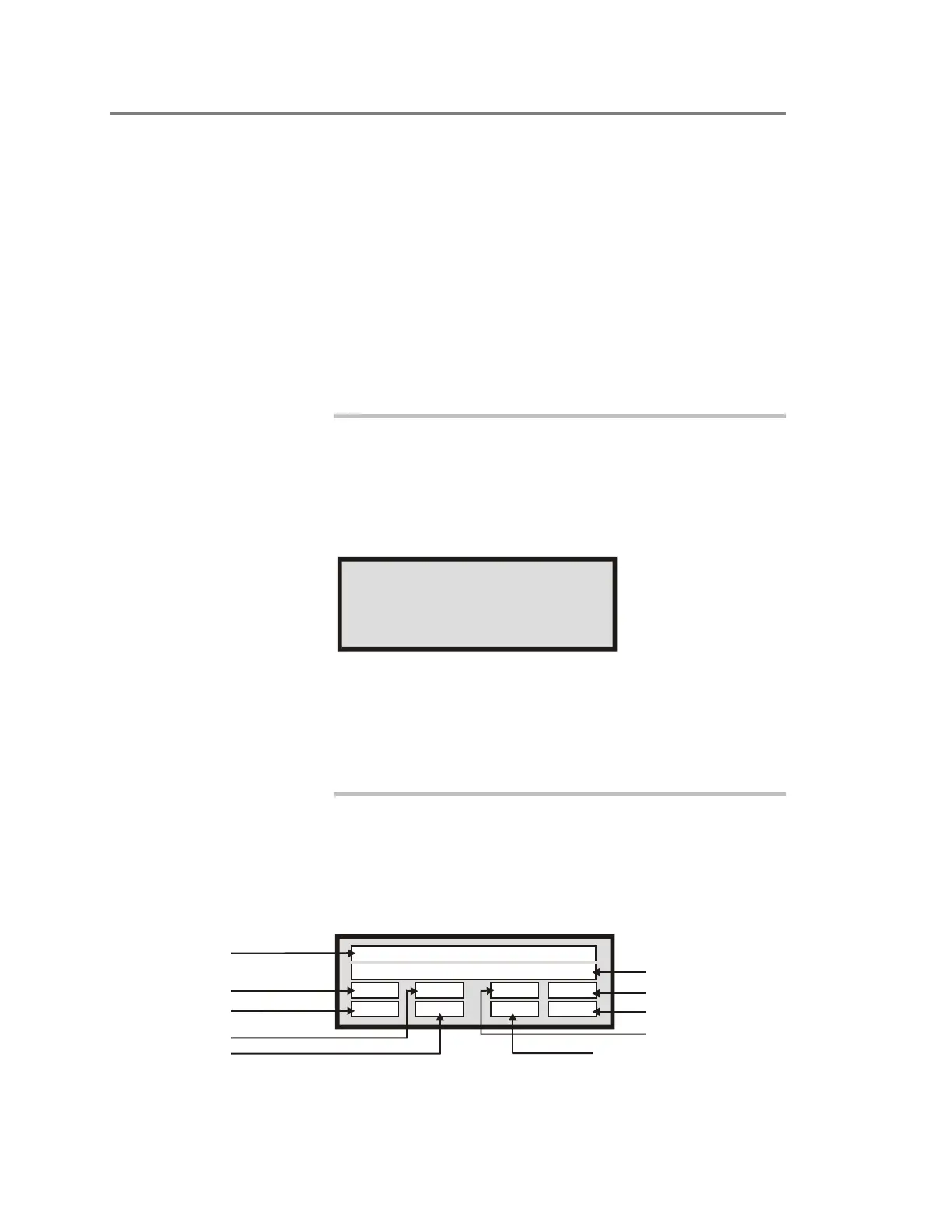
3. Press Enter until you see the general status screen (Figure
2-5).
STDOP004.CDR
Status Legend
Battery
AC Power
Ground Fault
Remote Annunciator
485 Comm. Status
Smoke Power
Dialer
NAC Power
Printer/External Command Port
Status: (1=Fault)
ACp0 Bat0 MPw0
SPw0
Gnd0 Ann0 Prn0 Dia0
Figure 2-5: General status screen



 To Next Page