Operating panel devices
EST2 System Operations Manual 2.35
STDOP029.CDR
Press [ENT] for more
Add: 0101 Type 3D
Alarm Level: 3%
Maint. Level: 00%
Figure 2-16: Typical sensitivity report on 2-LCD
Printing sensitivity reports
To print a sensitivity report:
1. At the 2-LCD, press Reports.
2. Enter a level 1, 2, or 3 password.
3. Enter 1 to choose a sensitivity report.
4. Enter 2 to send the report to the printer.
5. Enter the device address of the desired report only on local
reports.
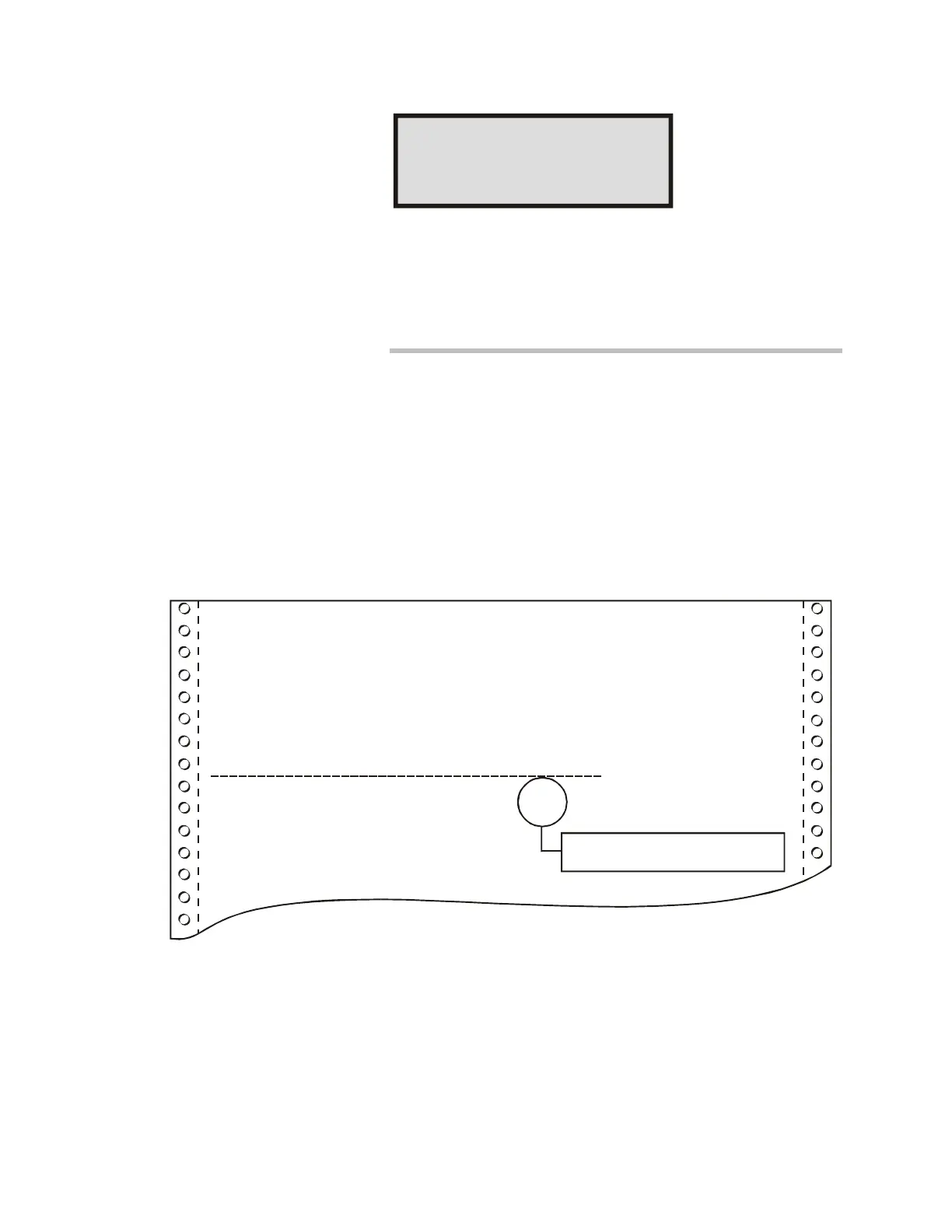
Figure 2-17 illustrates the typical printed format of a sensitivity
report.
====4D Panel Sensitivity Report====
Facility: Project Name
Date: 03-23-1998
Time: 03:59:08
Sensitivity Report for 4D, 3D, Photo, and Ion Sensors
Sensor
Address
Sensor
Type
Alarm
Setting
Maintenance
Indicator
0101
0102
3D Detector
3D Detector
2.0%
2.0%
STDOP002.CDR
04
00
Percentage of allowed maintenance
range, which becomes critical at 80%
Figure 2-17: Typical sensitivity report print format



 To Next Page