TROUBLESHOOTING 108
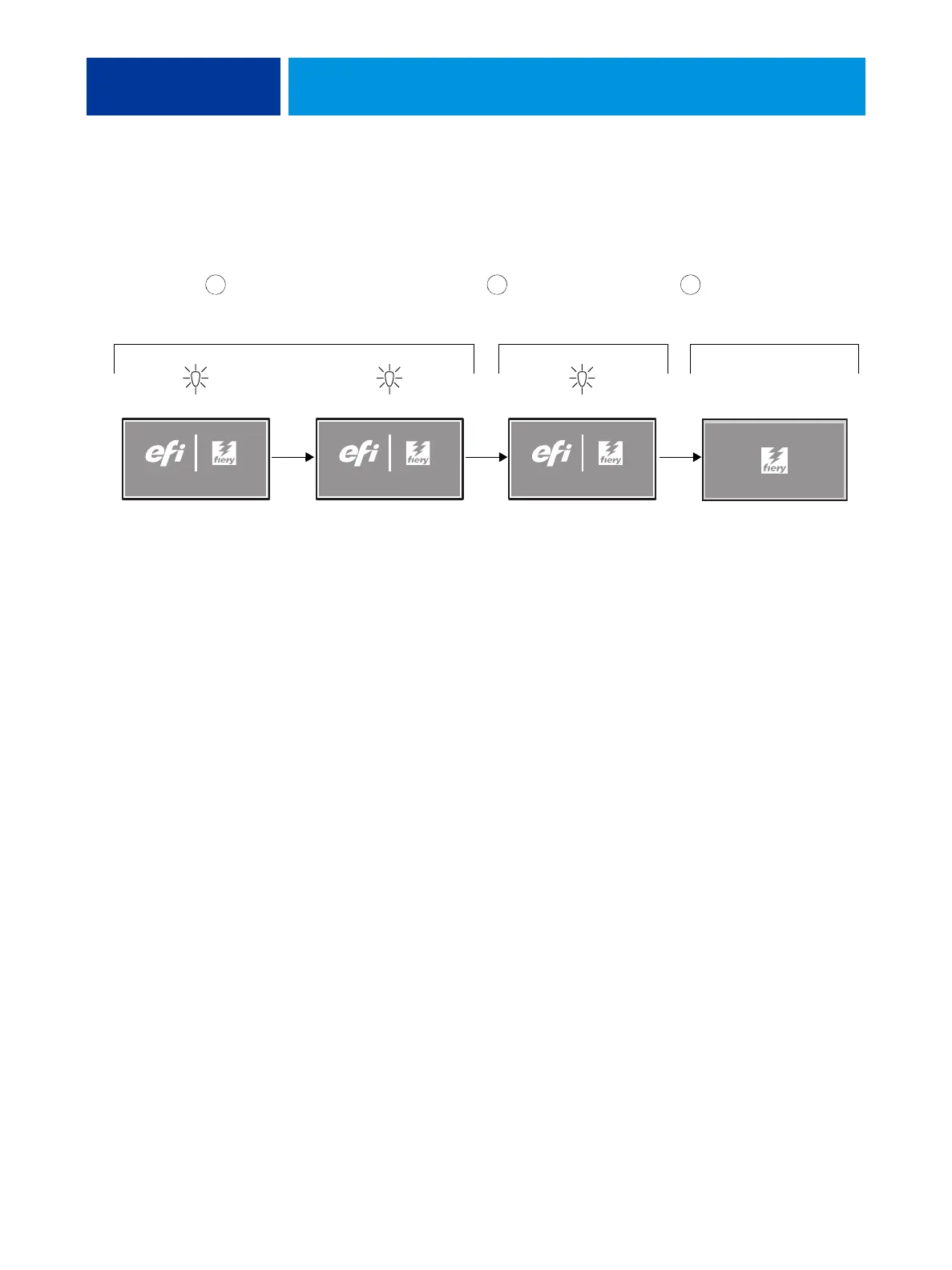
Normal startup sequence
NOTE: The following description is approximate. The screens, times, and sequences that you
observe may vary slightly.
FIGURE 28: Normal startup sequence
Code in motherboard BIOS
initializes and configures
areas on the motherboard.
Windows operating system
establishes communication
with E-42B devices.
System software on the hard
disk drive completes startup
process. The E-42B is at
Idle.
Activity light
is off
3 seconds
45 seconds 2 minutes, 30 seconds
1 2 3
Power on
STARTING UP...
Activity light
blinks orange
Server nameServer name
Activity light
blinks orange
STARTING UP...
Activity light
blinks green



 To Next Page