REPLACING PARTS 71
6 To insert a new battery, slide it into the socket so that the positive (+) side of the battery
faces up.
7 Press the battery down into the socket until it snaps into place.
Make sure that the battery is securely installed in the socket.
8 Reassemble the system and verify its functionality (see page 85).
9 Configure the time and date in Setup (see Configure Help for more information).
Failure to configure the time and date will cause the E-42B to hang when user software is
being installed on the E-42B. (See page 115.)
Jumpers
Jumper configurations should not be changed.
Jumper Description
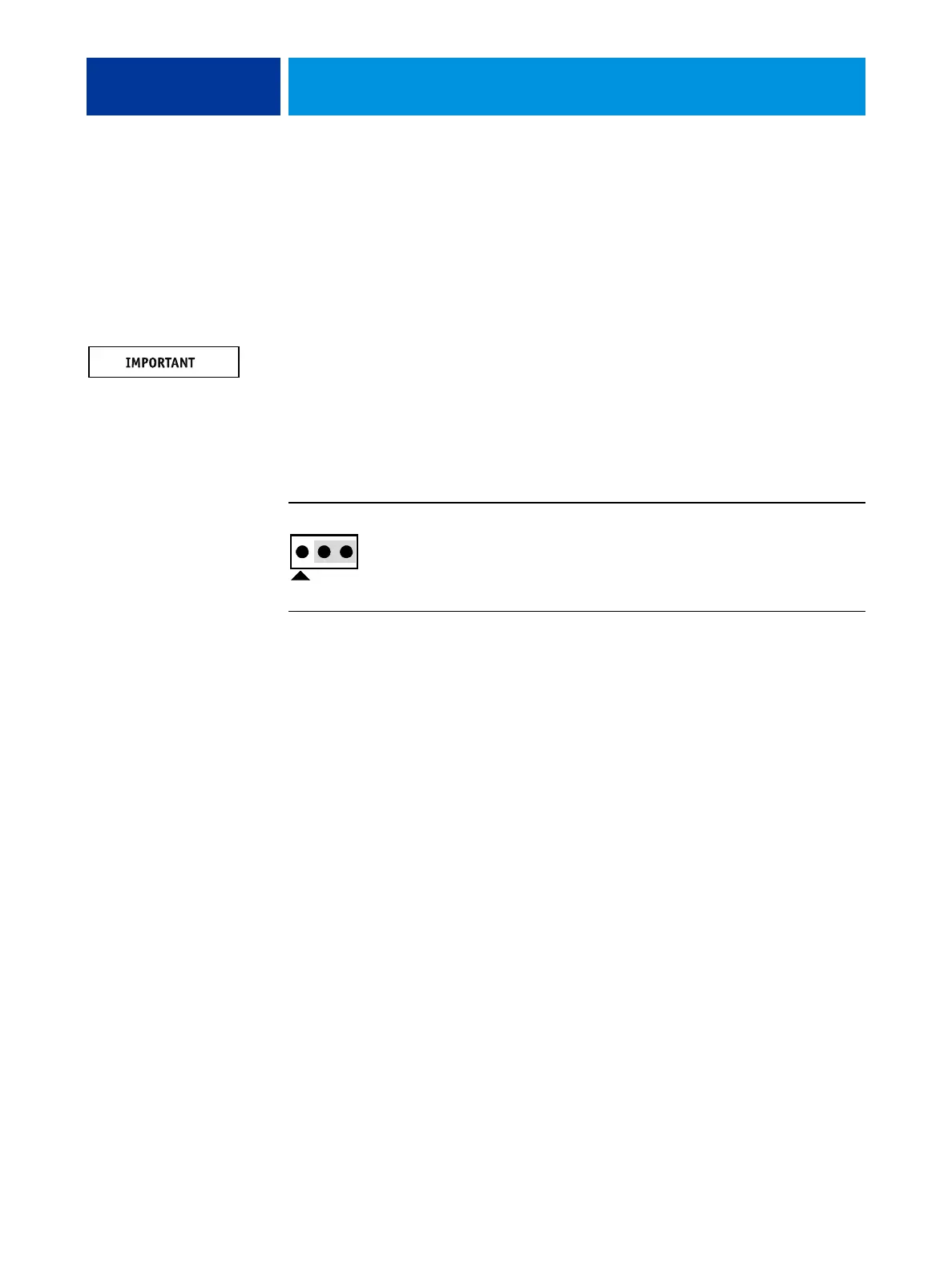
J4 J4 is the Clear CMOS and Password jumper.
Default configuration: jumper cap installed on pins 2 and 3.
NOTE: It is not necessary to clear the CMOS settings when servicing
motherboard components. the DVD drive, and the hard disk drive.
Pin 1



 To Next Page