35
10.1 WI-FI/4G DONGLE CONNECTION
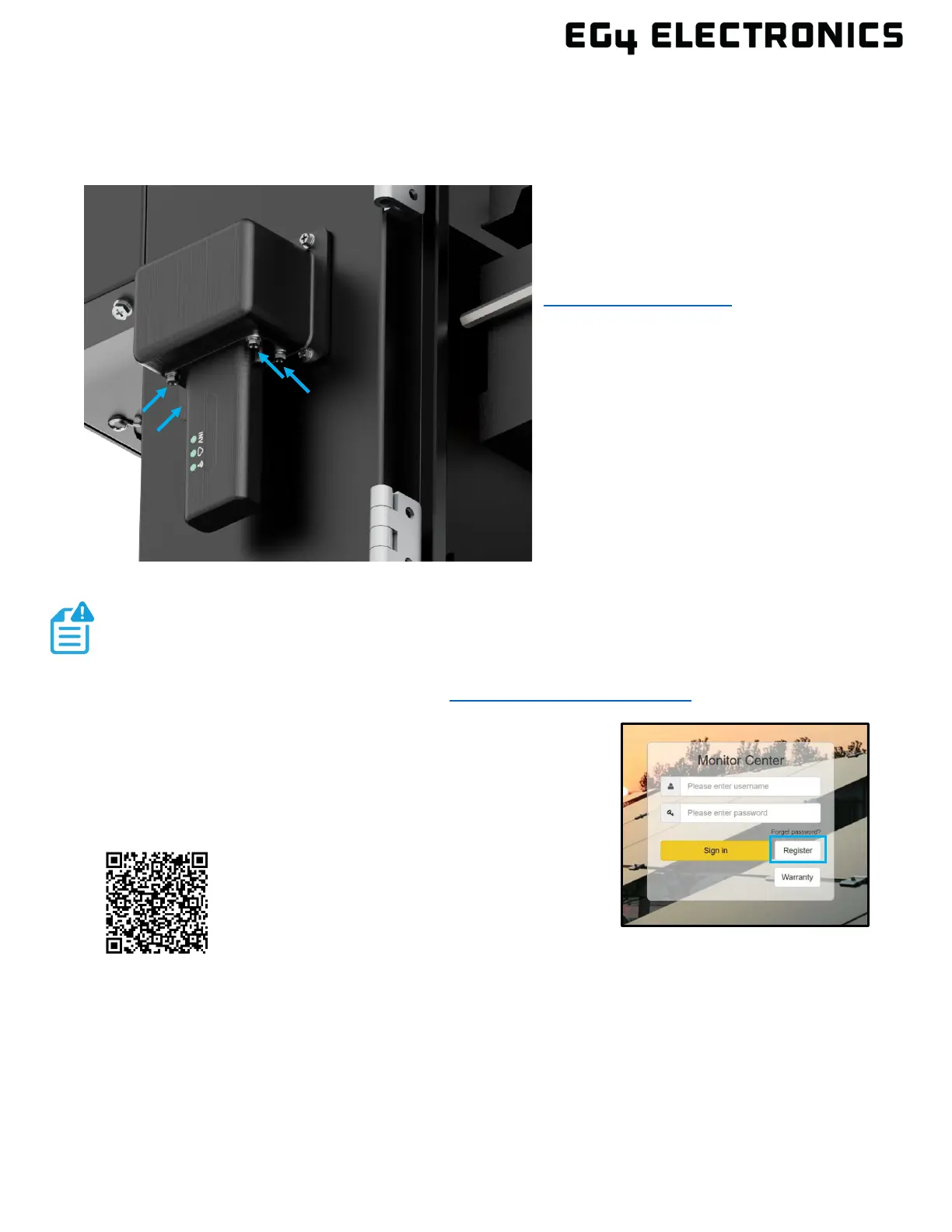
A Wi-Fi/4G dongle is used to monitor the inverter and remotely view the monitoring data on a
computer or mobile device. Attach this module by plugging it in to the side of the inverter and
securing it with the four (4) Phillips head screws.
View data on a mobile device:
A QR code with a link to the EG4
®
website
with app installation steps can be found on
the side of the inverter. Or visit the
downloads page at
www.eg4electronics.com for more
information.
10.2 ONLINE MONITORING SYSTEM USER INTERFACE
Af
ter connecting the Wi-Fi dongle, create an account by
registering at monitor.eg4electronics.com. The “customer code” is
a code assigned by the distributor or installer. Contact the supplier
for this code.
For more information on Monitor Center and the settings that can
be adjusted there, scan the following QR code:
NOTE:
The monitoring system may change due to updates. Therefore, UI descriptions may
vary from the current pages on the site. If you have any questions, or to create
distributor or installer accounts, contact support@eg4electronics.com for assistance.
Overview



 To Next Page