43
• Max. AC Input Power(kW): The maximum amount of power to be imported from the grid;
battery charging power will be adjusted based on Load consumption and grid import
limitation.
• System Charge SOC/Volt Limit: Set charge limits based on SOC or Voltage.
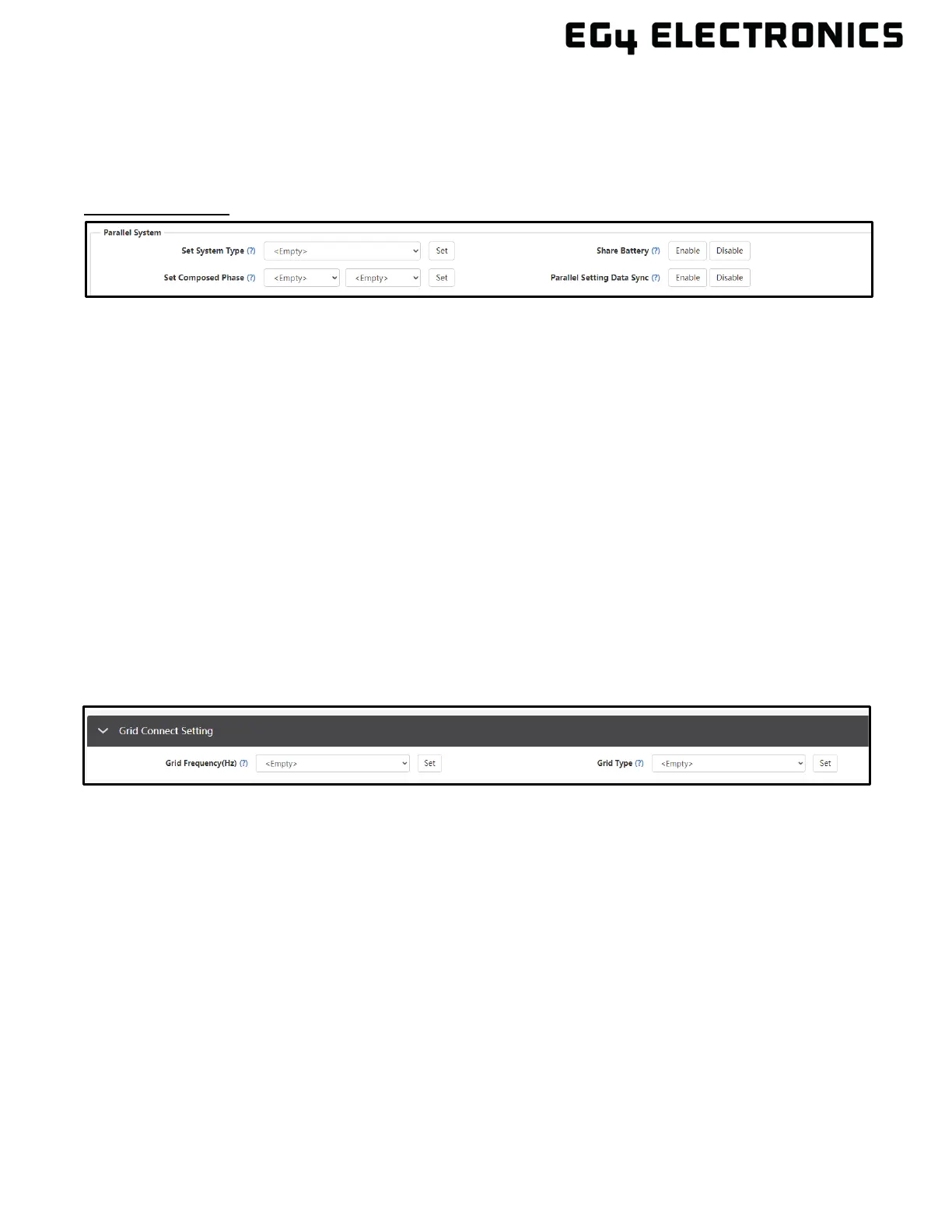
Parallel Settings
• Set System Type: The EG4 FlexBoss 21 supports paralleling of multiple inverters; connect
the LOAD terminals together for paralleling. In this scenario, set one of the inverters to
Master and the others to Slave. If all inverters are installed in one phase, set one of the
inverters to “1 Phase Master”. To compose a three-phase system, set one of the inverters to
“3 Phase Master”. All inverters are set to Slaves by default, upon set up, set one inverter to
Master.
• Set Composed Phase: When using ≥3 inverters to compose a three-phase system, connect
the AC terminals of the inverter to three-phase grids. If there is grid access in the system, the
inverter will detect the phase it connects to automatically and record it. Next time, it will
output the phase it detected. If the user setting is different from the phase inverter detected, it
will output the phase detected. The output phase record must be cleared manually. If there is
no grid input, the inverter will use the user output phase setting to compose three-phase
output. If the customer sets the wrong phase (i.e., 2 U phase and no W phase) the system
will report an error.
• Share Battery: For paralleled systems: if all inverters connect to same battery bank, Share
Battery must be enabled. The Master inverter will broadcast the battery info to all other
inverters.
• Parallel Setting Data Sync: Syncs master inverter with all paralleled inverters.
11.3 GRID CONNECT SETTING
• Grid Frequency: Selects the frequency of the grid.
• Grid Type: Select the correct Grid type to function.



 To Next Page