56
For more information on Wi-Fi dongle troubleshooting, scan the following QR code:
14.2 REGULAR MAINTENANCE
Inverter Maintenance:
• Inspect the inverter every 6 months to check for any damaged cables, accessories, or
terminals, and inspect the inverter itself.
• Inspect the inverter every 3 months to verify if the operating parameters are normal and there
is no abnormal heating or noise from all components in the system.
• Inspect the inverter every month to confirm nothing covers the inverter heat sink on the back
of the inverter. If there is, shut down the inverter and clear the heat sink to restore proper
cooling.
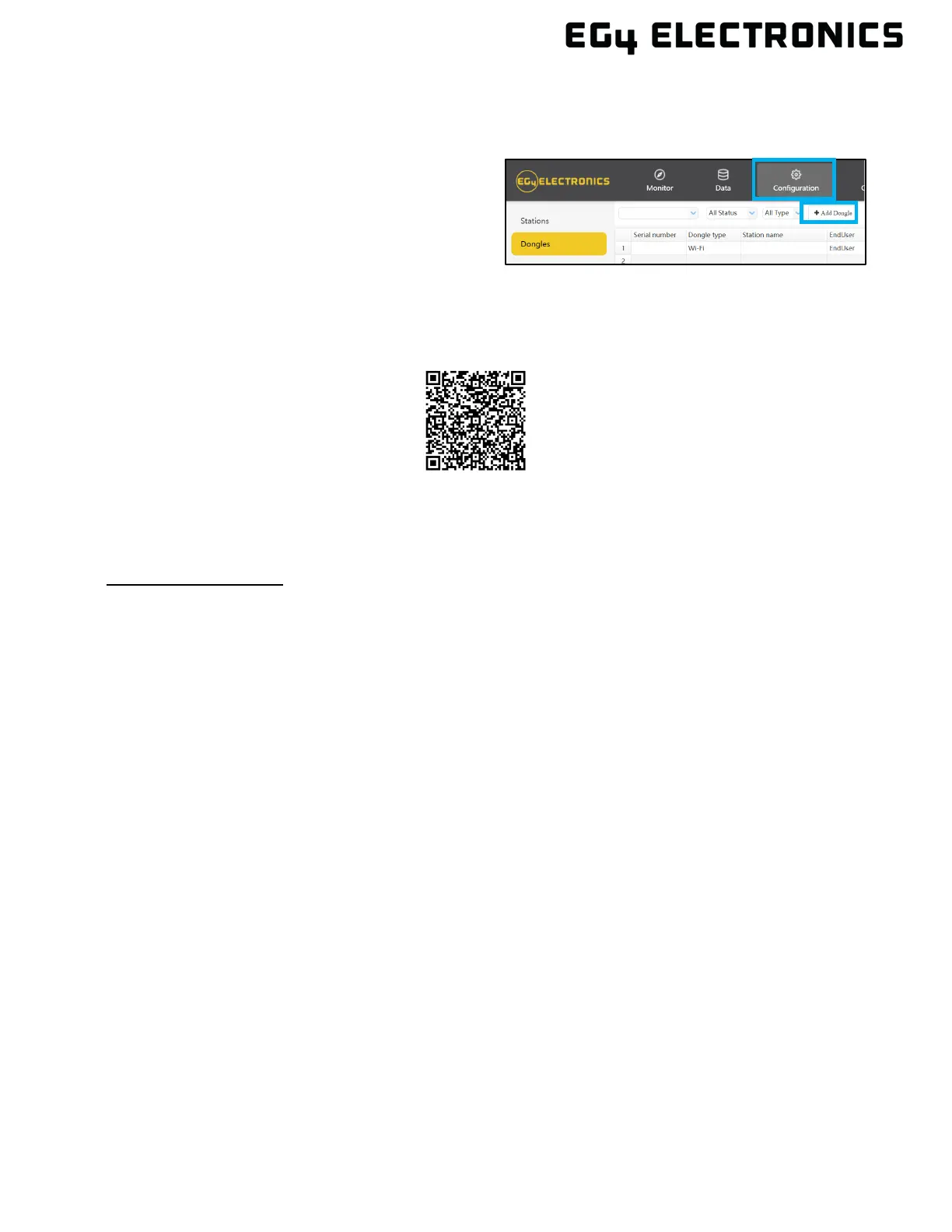
2. Prior to setting the password, add the
dongle to the system. After registering
and entering the Wi-Fi SN and PIN, the
dongle is automatically added to the
system. While logged in, go to the
“Configuration” tab. Select “Dongles”, and
“Add dongle, on
monitor.eg4electronics.com to add this
dongle to the current configuration if there
is more than one dongle. Restart the Wi-
Fi module by unplugging it and plugging it
back in.
Guide



 To Next Page